How can we help you?
Configure and design the Sign Wizard and launch it from a Salesforce screen flow.
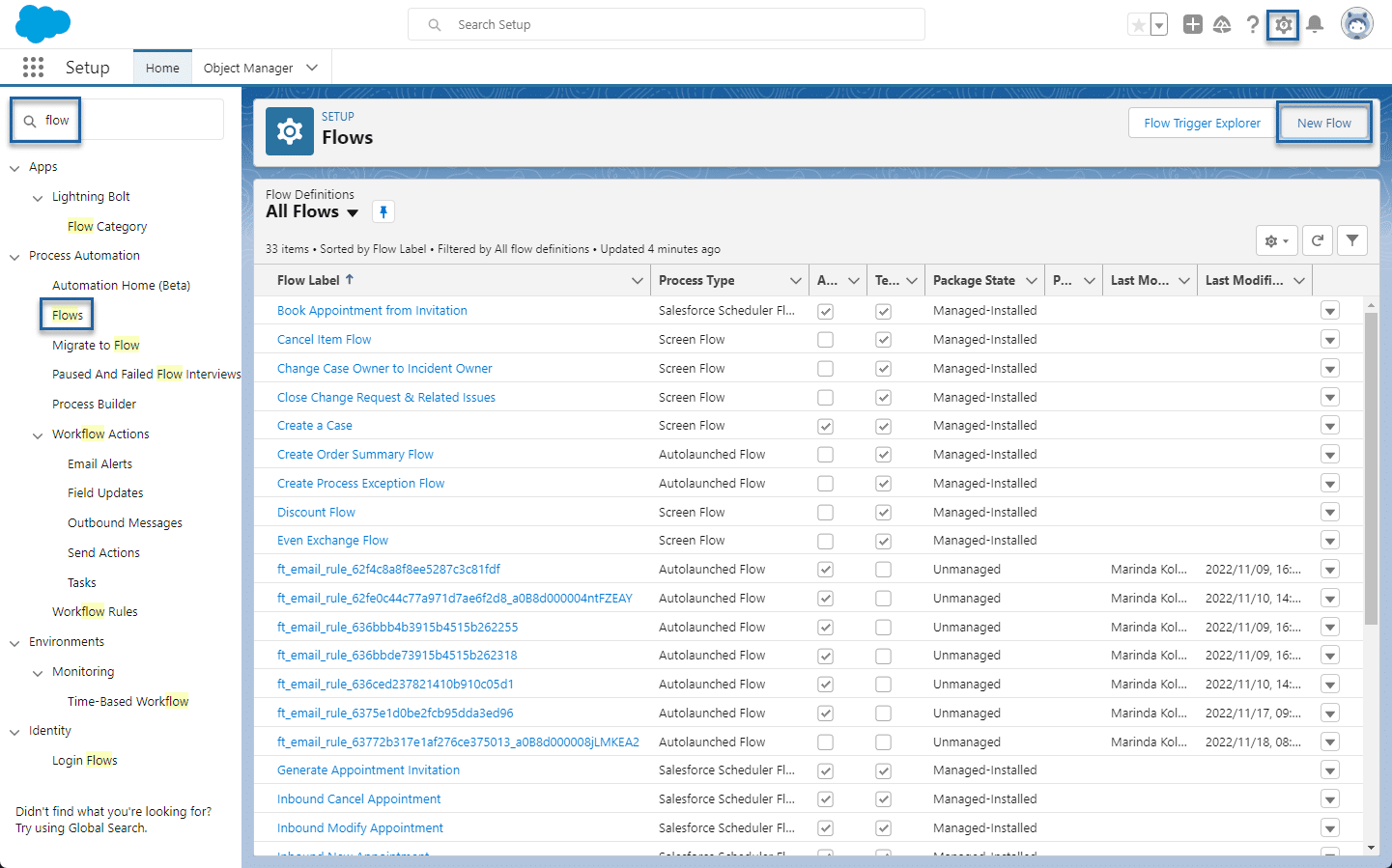
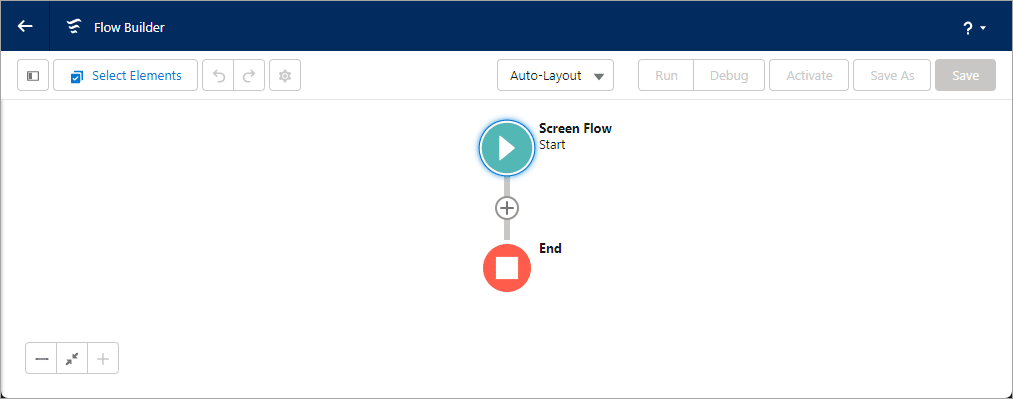
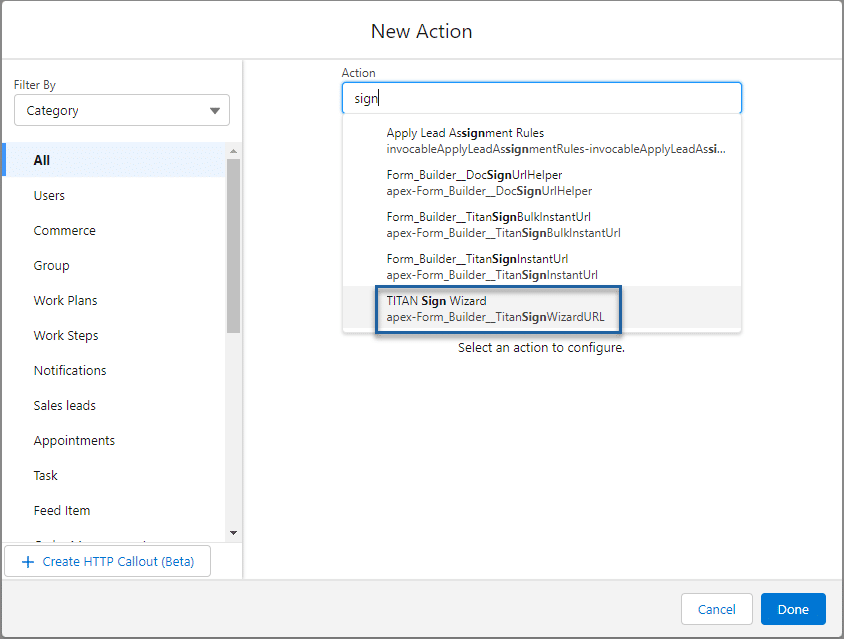
Use Titan Flow to auto-populate all signers from a Salesforce flow. The flow uses a file that exists in Salesforce in a .docx format. After the flow is triggered, the sign wizard screen displays on Salesforce, and the user can launch the re-defined Sign process. The flow is important to set predefined signers.
Note:
Use a single .DOCX file.
The Titan Flow will work with files that exist in Salesforce.


| Variable | Remarks |
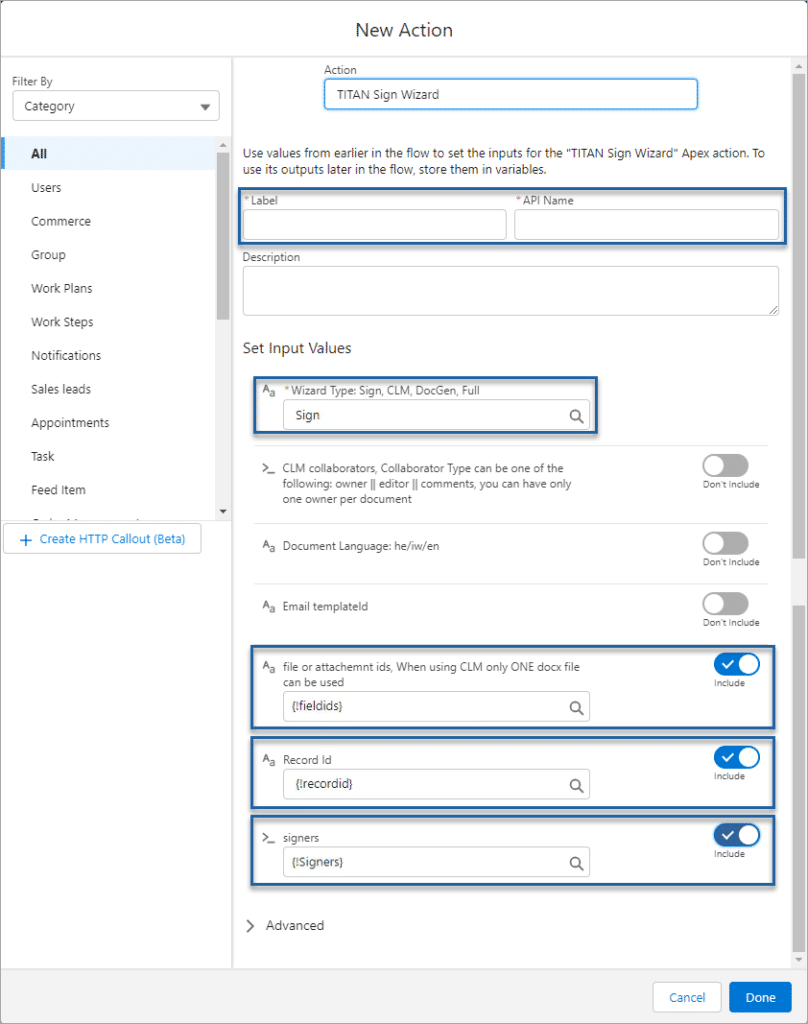
| signer > Email | Mandatory |
| signer > FirstName | |
| signer > LastName |
Note:
Use the toggle switch to switch on the Email templateid if you want use your own email template and not the default email.
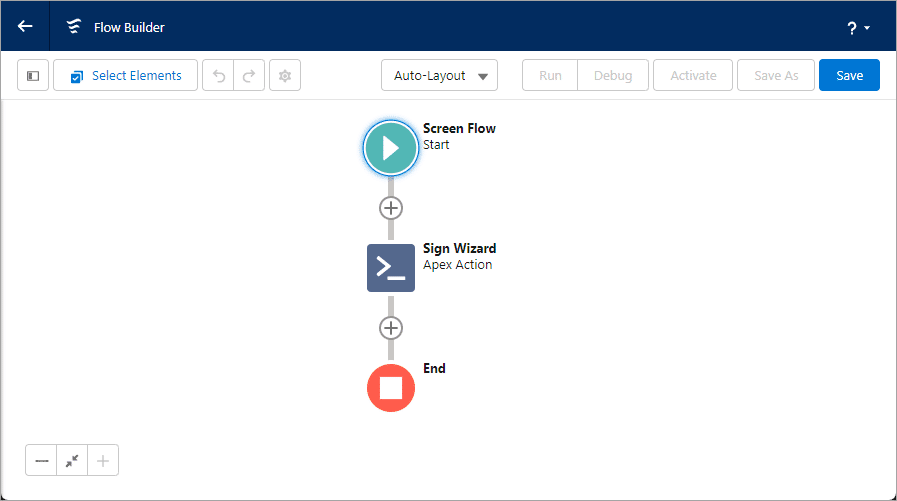
When the Screen Flow is triggered, the Titan Sign Wizard will skip to the Configure step.










