How can we help you?
Add and remove collaborators at any stage in the CLM journey using dynamic configuration.
Note:
Prerequisite:
Set up the collaborator permissions. Read our Collaborator Permissions article for more information.
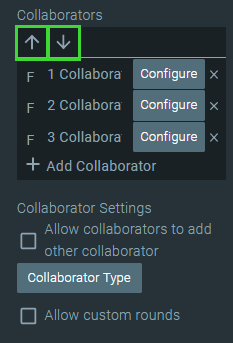
Collaborators are people who can edit the contents of a document or who can add comments before the signing process starts (if there is a signing process). Collaborators can have Full Changes, type, and can edit the document using various options, such as deleting text, adding text, changing colors, or adding images and tables. A collaborator can have the Comments Only type that will allow them to add comments on a document but not edit the document.
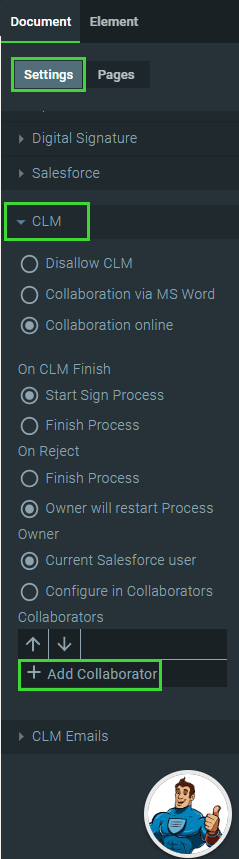
Configure collaborators as follows:
Note:
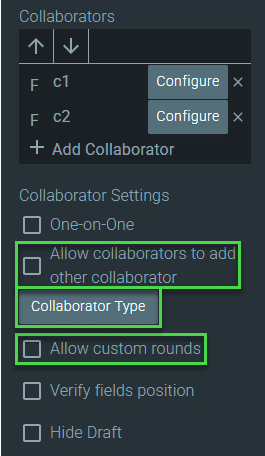
More Collaborator Settings are discussed in other articles:


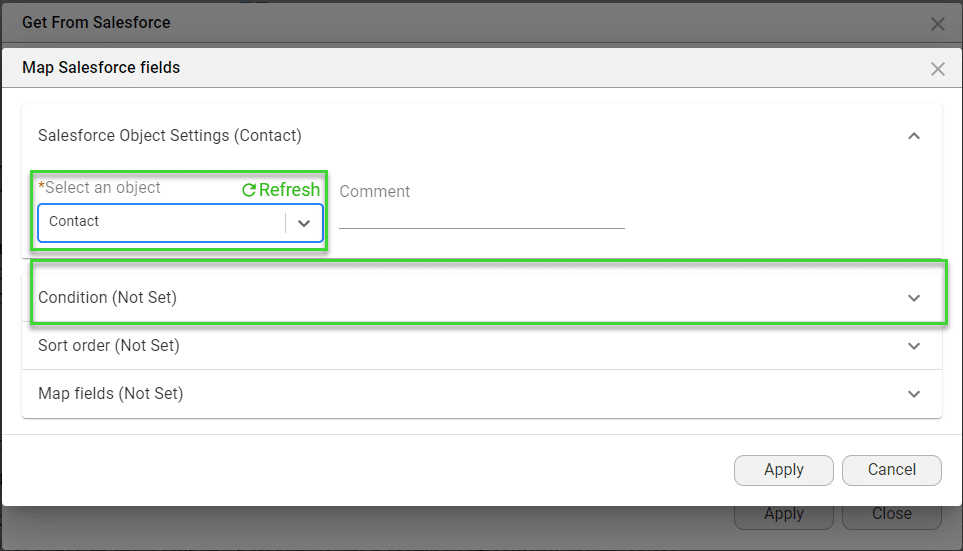
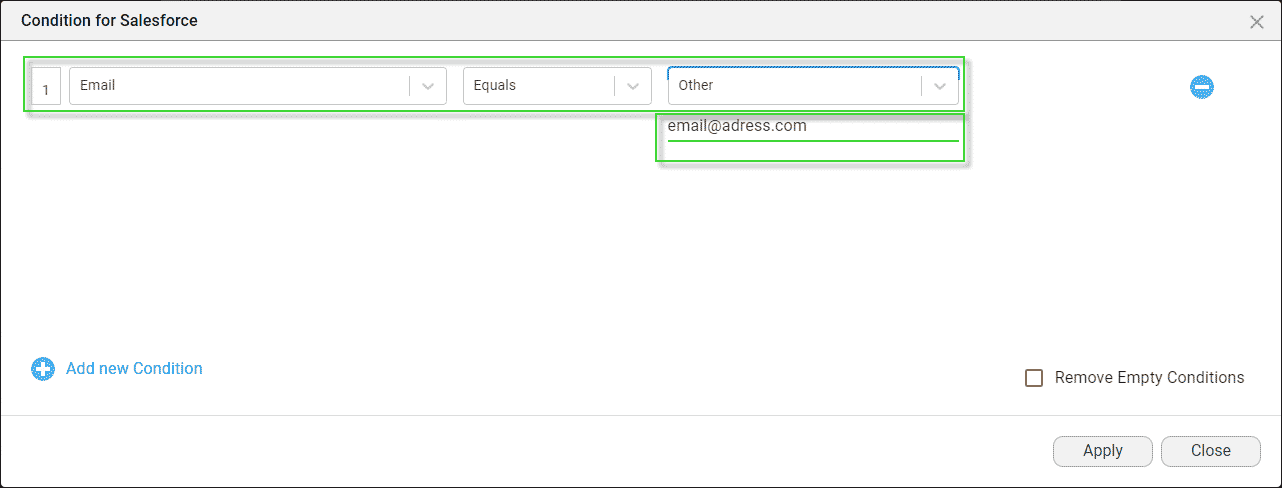
Watch the video on how to add CC and BCC fields in Titan Sign. The CC and BCC fields are the same for Titan CLM.









