How can we help you?
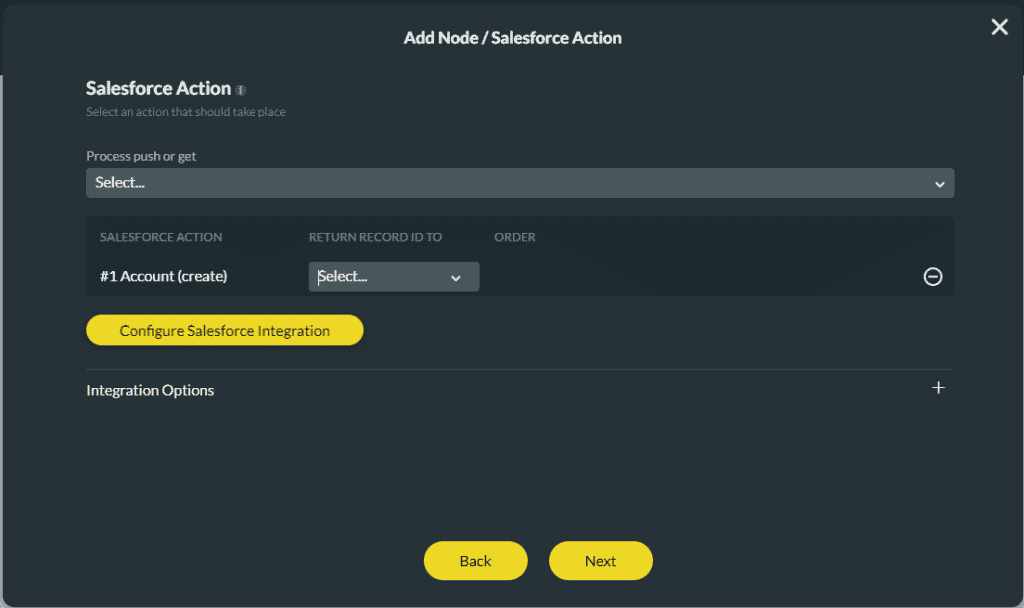
Use the push function in Titan Survey to transfer or deliver data as it is to Salesforce objects.
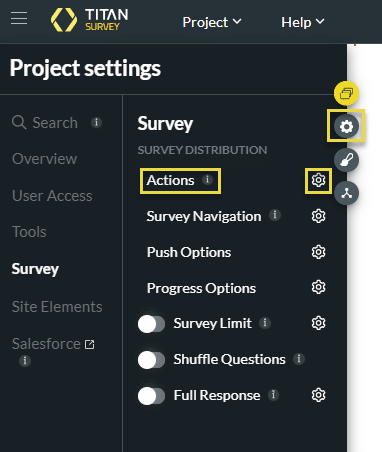
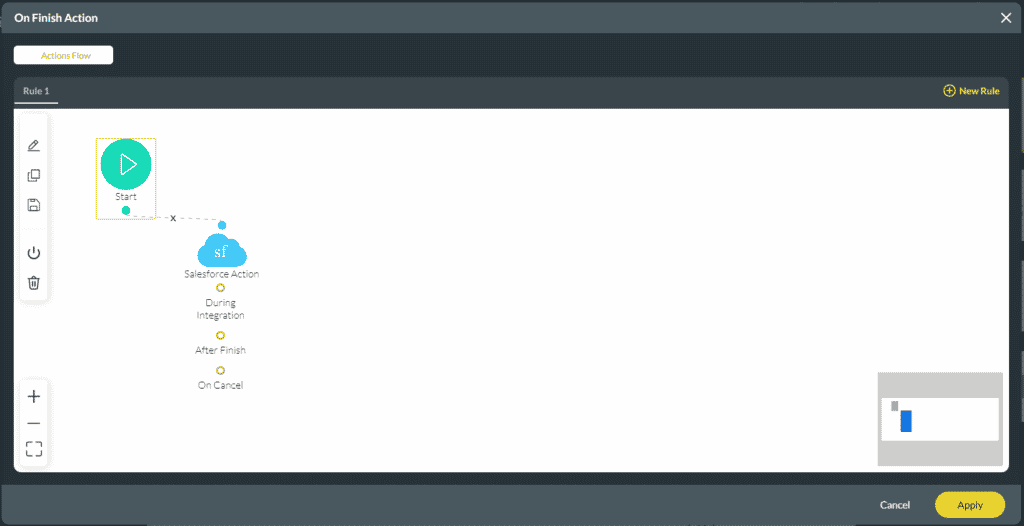
Use Titan Survey to customize the actions before, when, or after a survey taker submits the survey using the Custom Submit Actions.
Customer responses are usually synced straight back to Salesforce, ensuring complete automation for your surveys. The Custom Submit Action functionality lets you customize the actions that occur before, when, or after the survey taker submits the survey. The responses are no longer sent to Salesforce automatically. When using the Custom Submit Action functionality, you must configure all the actions you want to happen when a survey is submitted.
Note:
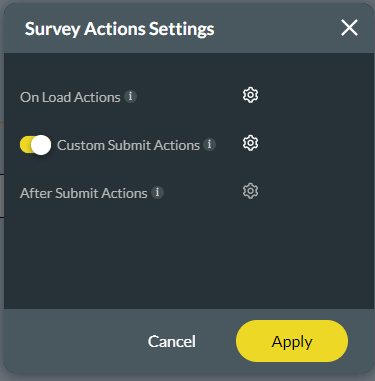
When Custom Submit Action is on, it is not possible to set After Submit Actions as the Gear icon is greyed out.

Note:
The Survey Submit option will ensure that the responses are sent to the Survey object part of the Titan package in Salesforce. If you do not add the Survey Submit option, the responses will not update the Survey object part of the Titan package in Salesforce. This is not a mandatory step.

You can add actions to happen after the survey is submitted.










