How can we help you?
We added a feature that lets you initiate a signing process from a Web project without previewing the document first. Read More
We added styling to the logo or profile picture functionality. Read More
We added the folder name in front of the page name to show on the page in which folder the page is. Read More

We added a shortened URL link to send to a survey taker. Read More
We added a limit on the size of images that can be uploaded. If you upload images larger than 50 MB for image, file viewer, or DocGen elements, a message will be displayed: “The image exceeds the file size limit”
We fixed two issues with custom variables editor on the Configure String Variable screen that affected highlighting text, and the cursor position when adding fields and text.
There was a bug in image choice element in a repeat strip that didn’t behave as expected. We fixed this.
We fixed a bug where the interactive documents opened using Titan Web removed the interactive fields when the user changed the zoom on a desktop device.
We fixed a bug that occurred in a Web project with Debug Mode and Skip validations on. When this project was duplicated, the new project ignored validations even though the Skip validations option was not on.
We fixed a bug that cleared Mapping data on the Map Salesforce fields screen when the metadata was refreshed on the Salesforce Integration screen.
We made cosmetic changes to the UI for checkbox captions and labels.
We added a security layer: if a single IP address tries to reach a non-existing address for Titan Web eight times in less than one min, that IP address is blocked.
We fixed a bug in hidden fields on a Word template that didn’t save the Get condition correctly.
We fixed bugs on the RTL alignment of question elements and text on a slide.
When a survey taker clicks on an answer in an email survey, we pass the encrypted Survey TakerID instead of the plain Survey TakerID to the next step (either a Hybrid survey or a redirect action).
We fixed a bug where the signature fields in the Sign wizard were not located in their configured place, as was defined in the Word template.
We improved the Manage Folder screen. The possible folders are available in a drop-down list on the screen.
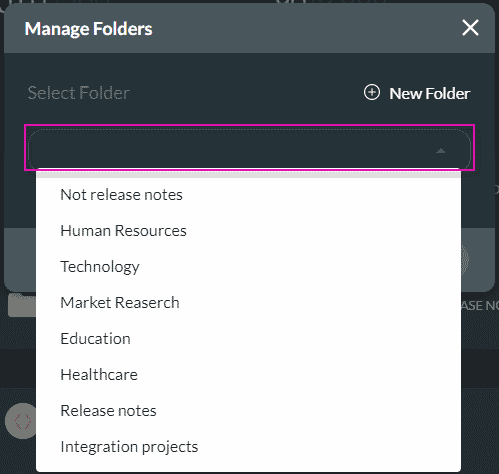
Manage Folders drop-down list
We added a confirmation message that will appear when you try to reset the API Key.
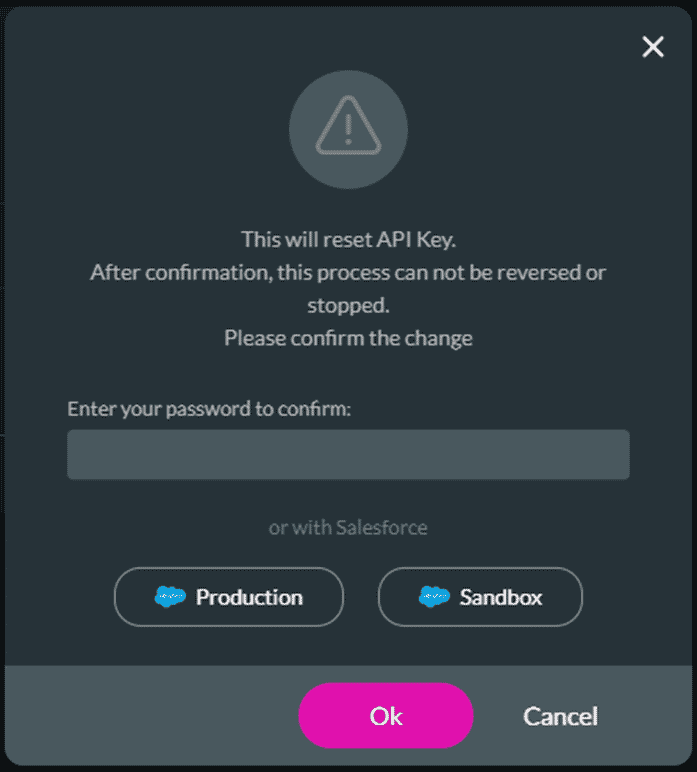
API Key reset warning message









