How can we help you?
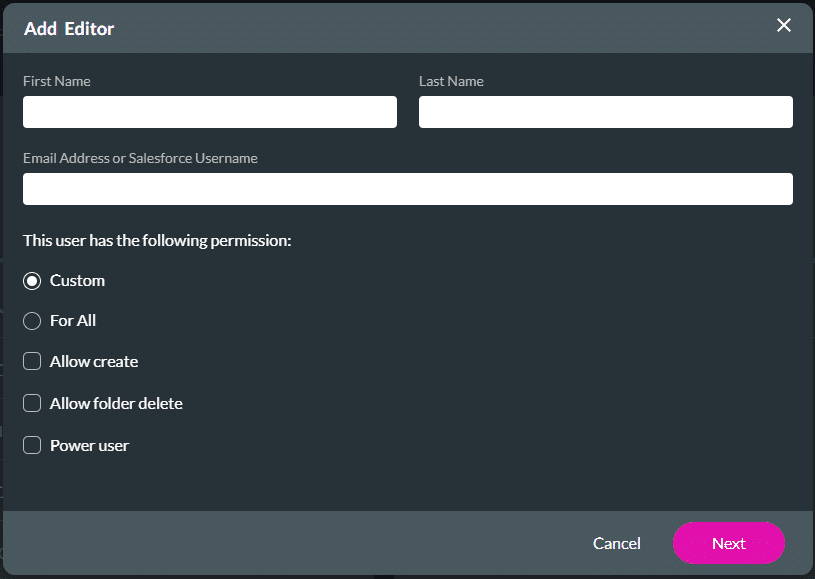
Setting user permission is a great way to ensure that certain projects are confidential. Control how much access users should have in a project; for instance, you can set users to read-only, create, or edit projects.
Note:
You must have an admin or power user role to make changes or assign users.

Warning:
Please note: All the projects in a folder are also deleted when the folder is deleted.
Note:
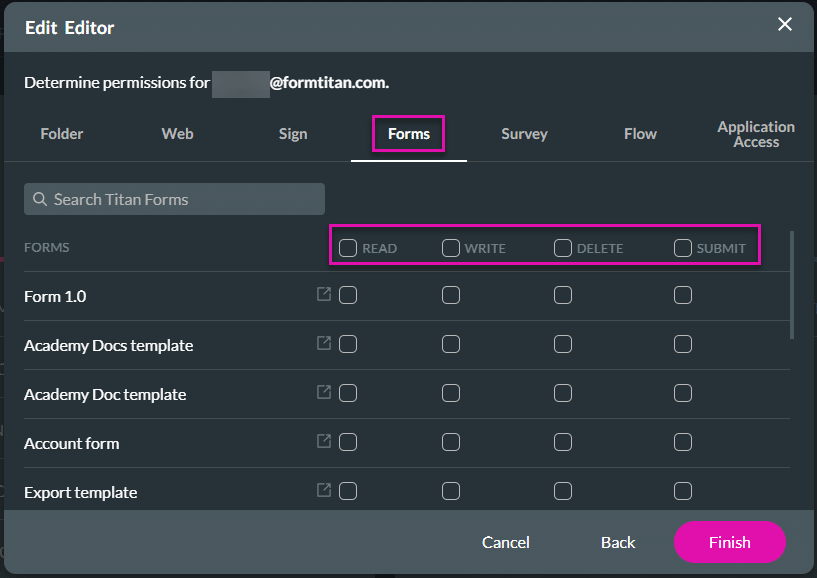
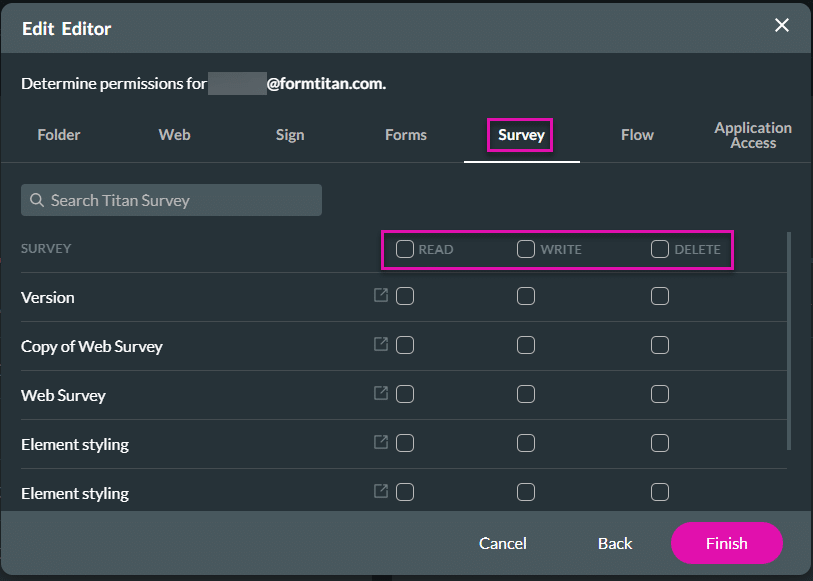
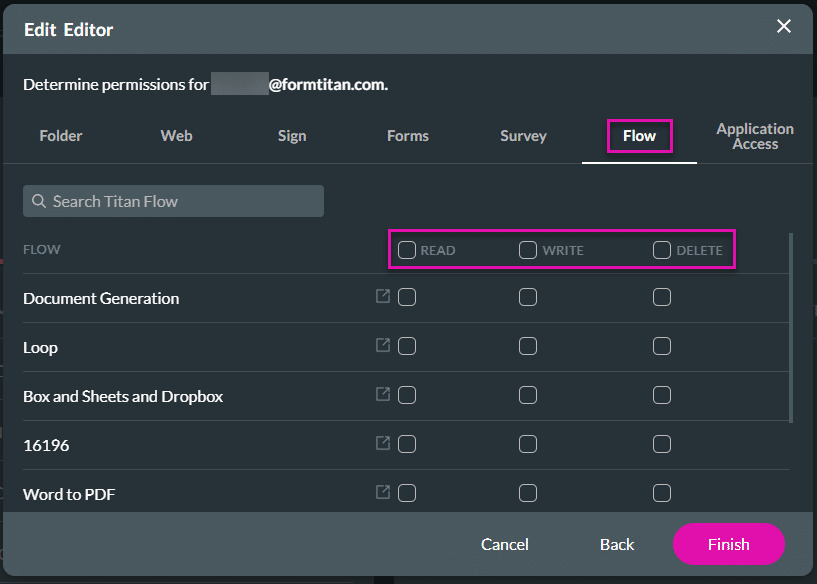
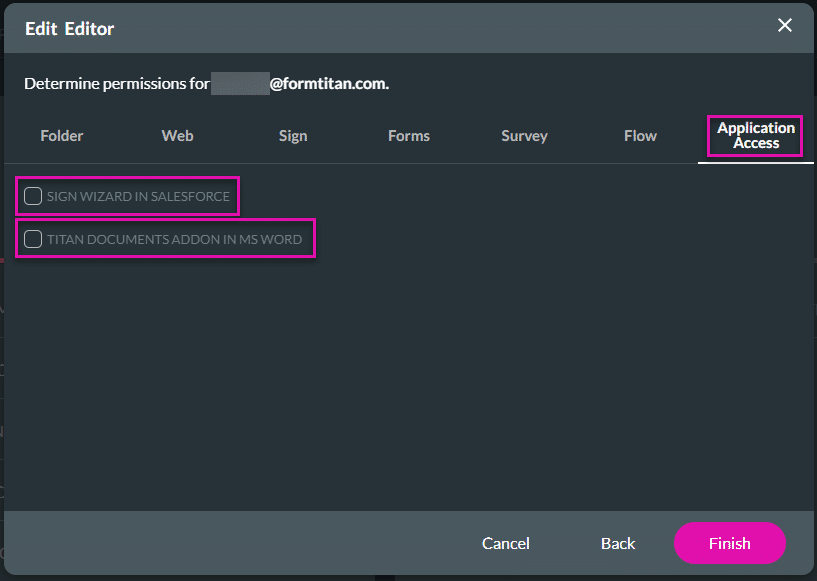
Refer to these comprehensive summaries of the following permission options:

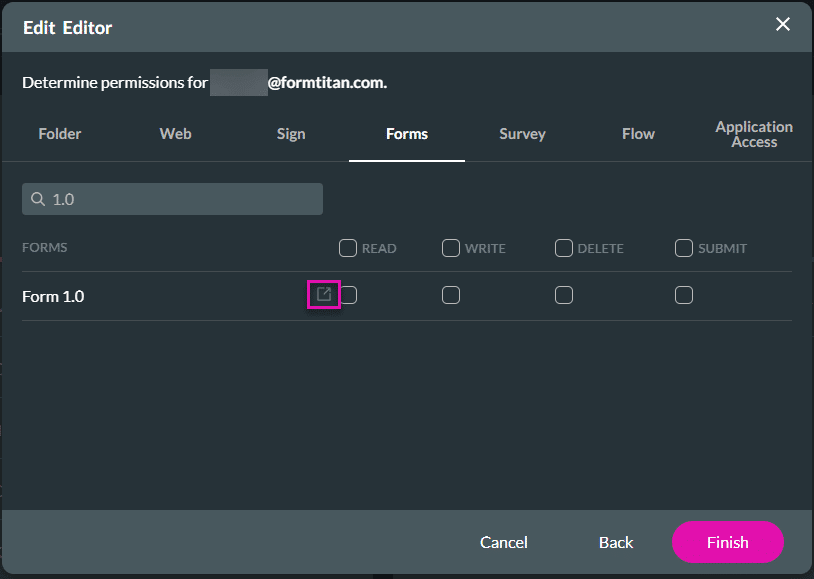
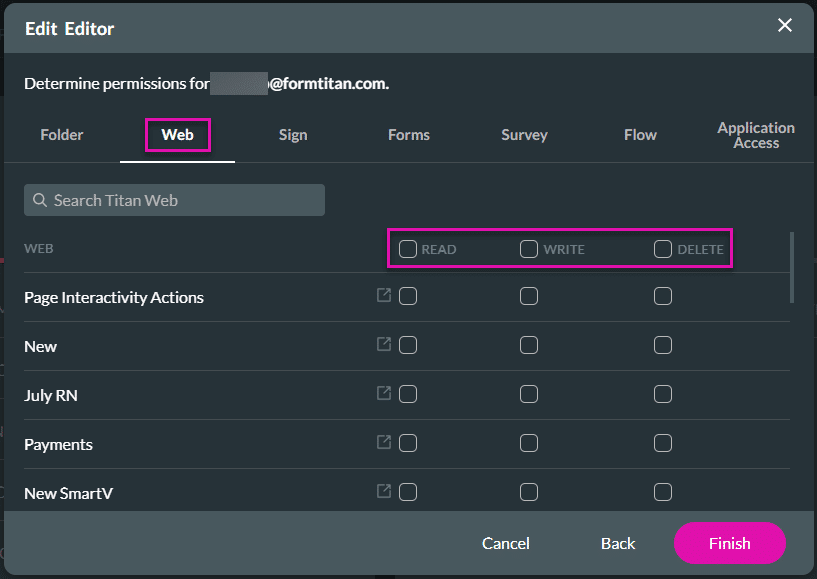
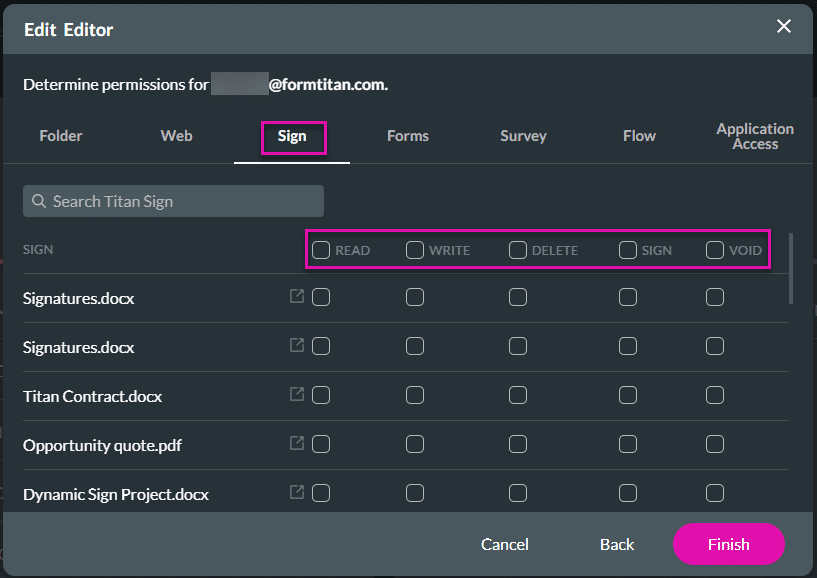
The permission types differ for each option:

Check out these articles for more information on Editors:









