How can we help you?
When your project gives users access to forms, portals, records, or protected pages, you need a way to confirm that the right person is accessing the right information. This is especially important when your project is connected to Salesforce data, such as Contact records, customer details, internal requests, or account-specific information.
User authentication helps you control access before users can continue. Instead of relying only on a basic email and password, you can add extra verification steps, such as a one-time password or two-factor authentication. This helps reduce unauthorized access while still giving users a clear way to verify themselves.
Titan SmartV lets you add user verification to your project, including password protection, one-time password verification, and two-factor authentication. You can protect the full project or apply verification to specific pages, depending on how users should move through the process.
SmartV can also verify users against Salesforce records. For example, a user who is not a Salesforce user can access a Titan project, while Titan checks whether that person has a valid record in Salesforce, usually in the Contact object. This allows you to give external users controlled access without creating Salesforce user accounts for each person.
Titan uses the configured Salesforce integration user, either Classic or JWT, to perform the required Salesforce actions, such as reading, creating, updating, or deleting records. This means your project can verify access, connect users to the correct Salesforce data, and continue the process securely based on your setup.


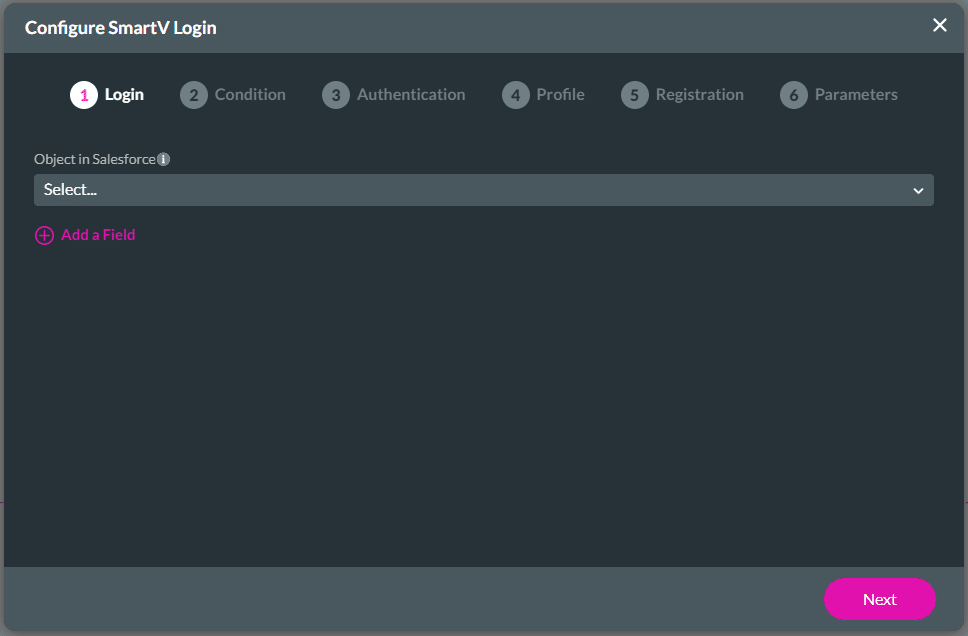
Learn how to configure the settings for the SmartV pages.









