How can we help you?
When users need to access protected pages or private information, you can create a login page to verify their identity before they proceed. A login page asks users to enter identifying details, such as an email address, ID number, or other required information, and checks those details against existing records.
This is useful when you want to give customers, partners, or external users controlled access to a project without requiring every user to log in directly to Salesforce.
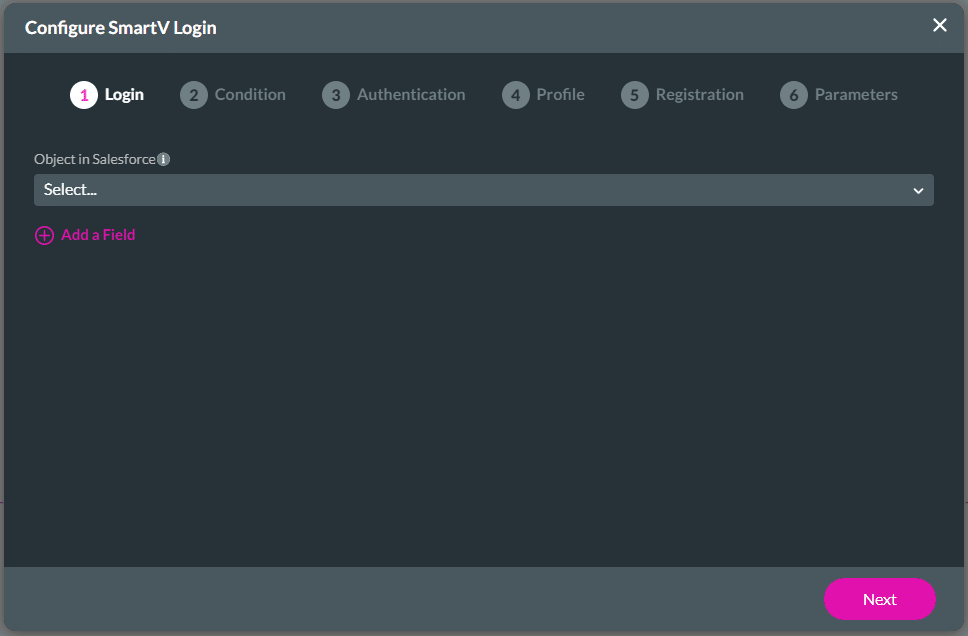
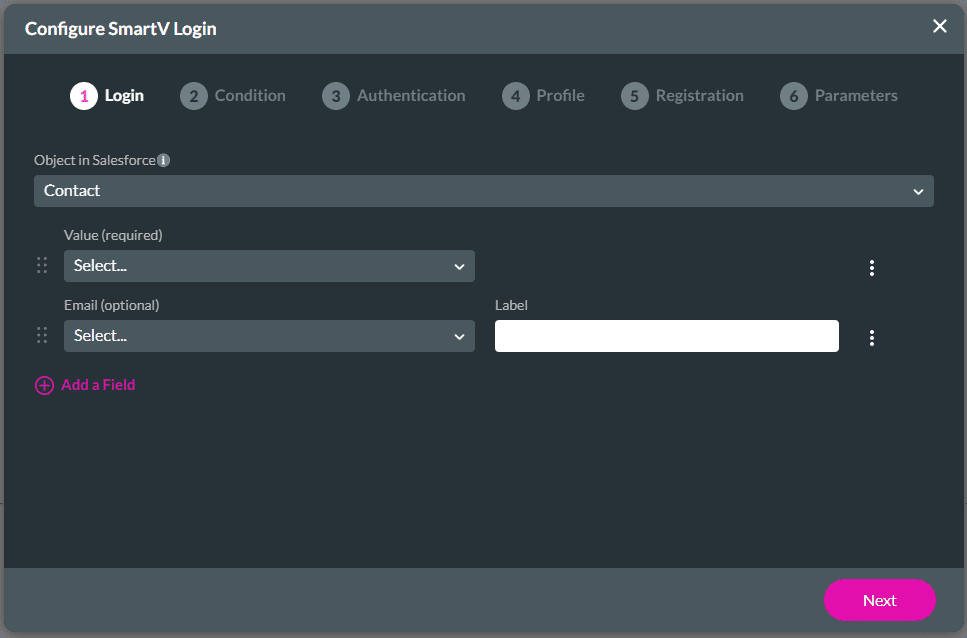
Titan SmartV lets you create a custom login page that authenticates users against data stored in Salesforce. You can choose the Salesforce object used for authentication and define the identifying fields users must enter to access the project.
Only users with matching information in Salesforce can log in. This helps you control access to protected pages while keeping the login process connected to your Salesforce data.
Note:
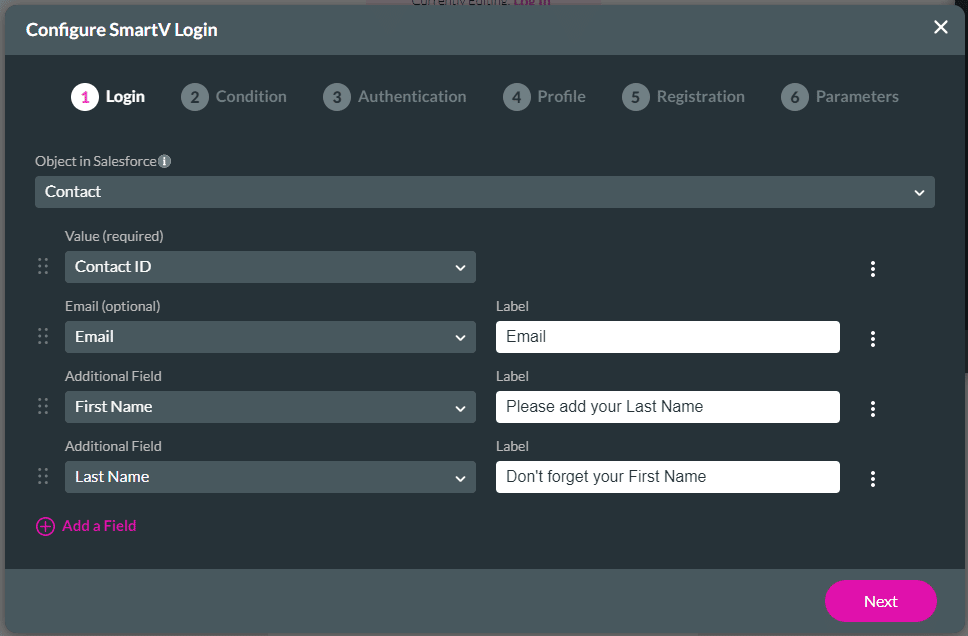
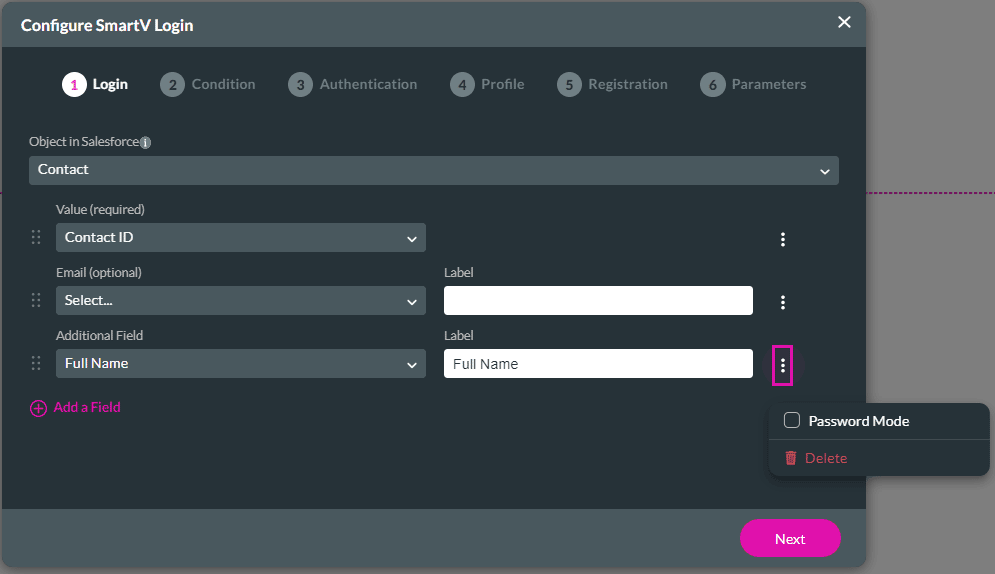
It is possible to leave the Email field blank (nothing is selected from the drop-down list), and you can add an additional field:

You can then add an email option on the Authentication screen:

The 2FA will be sent to the user’s email address.

Note:
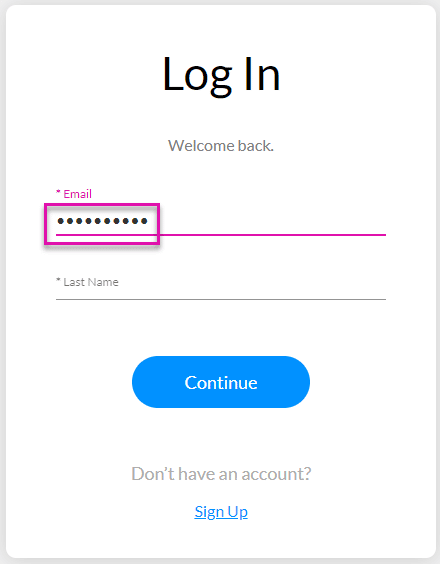
When the user completes this field in password mode, only dots will be visible: