How can we help you?
Sometimes you may want to save information as a draft or review it before saving it to Salesforce. Now you can!
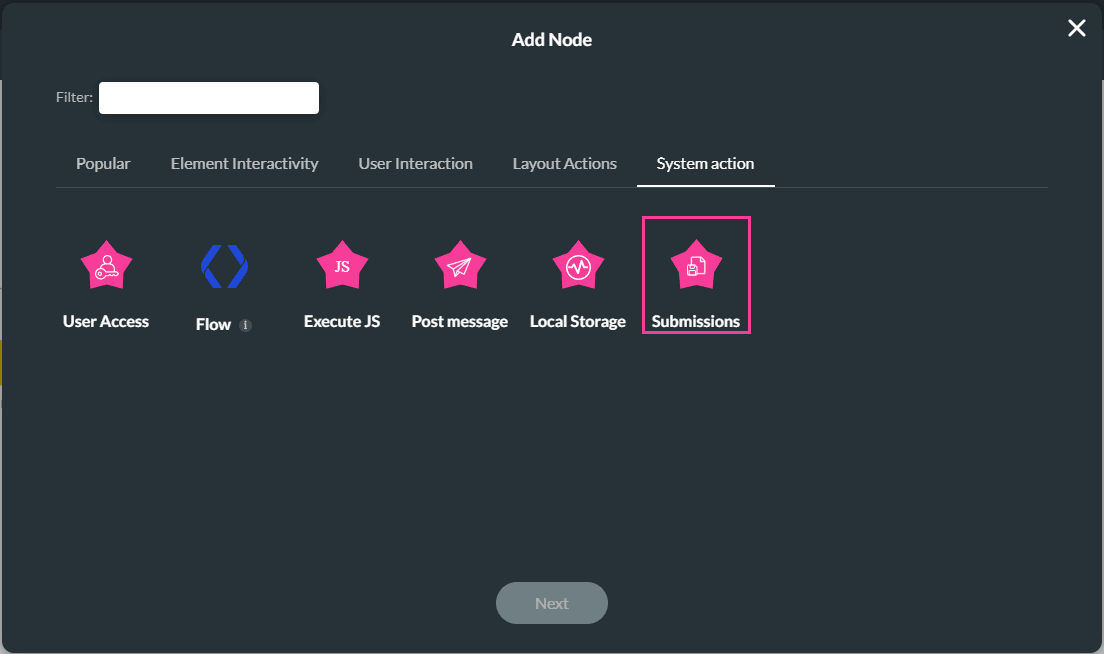
Titan lets you load the temporarily saved information from the Titan-managed package submission object.
Loading a submission allows the administrator to load the draft submission information. The submission was saved in your Salesforce under the Titan-managed package submission object.
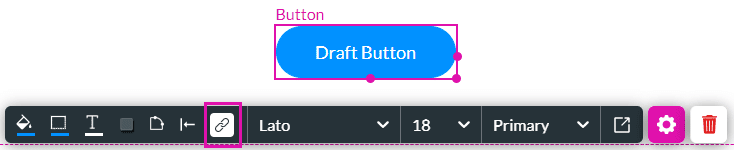
In this example, the loading is added to a Draft Button.

Warning:
Make sure that the labels used when you configured the Store Submission action are the same as the labels that are used when you configure the update.
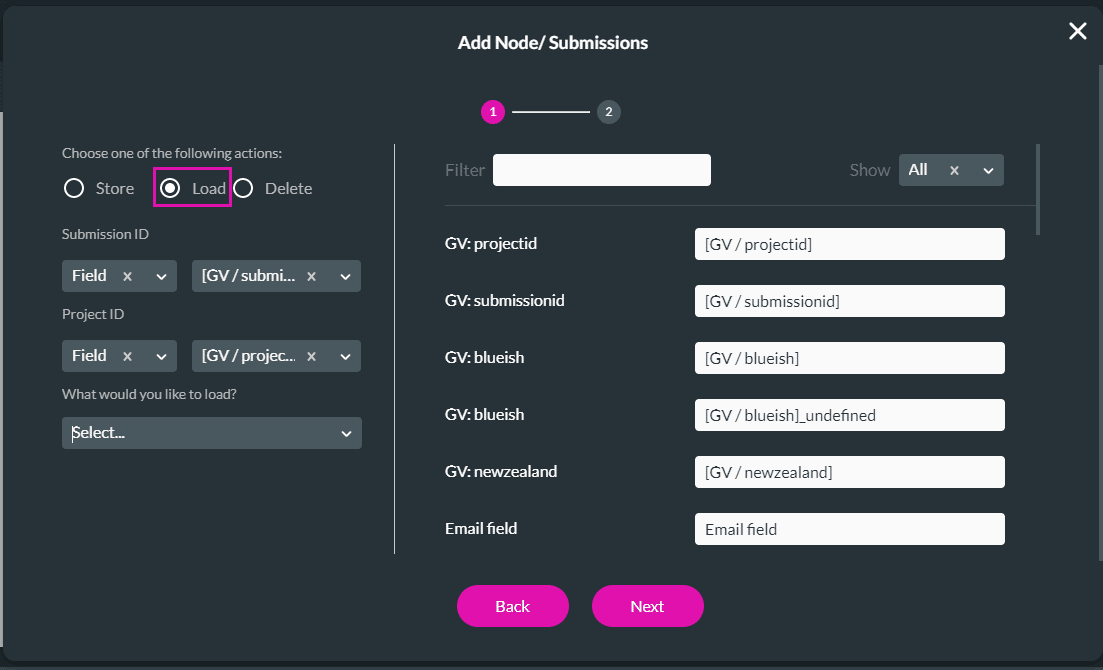
| Option | Screen |
|---|---|
| On Page | 
|
| From Strip | Use the Strip Element drop-down to select a stip.
|
| Field | Use the Fields to Store drop-down to select a field. You can only select one field.
|
| Field Group | Use the Fields to Store drop-down to select fields. You can select multiple fields.
|
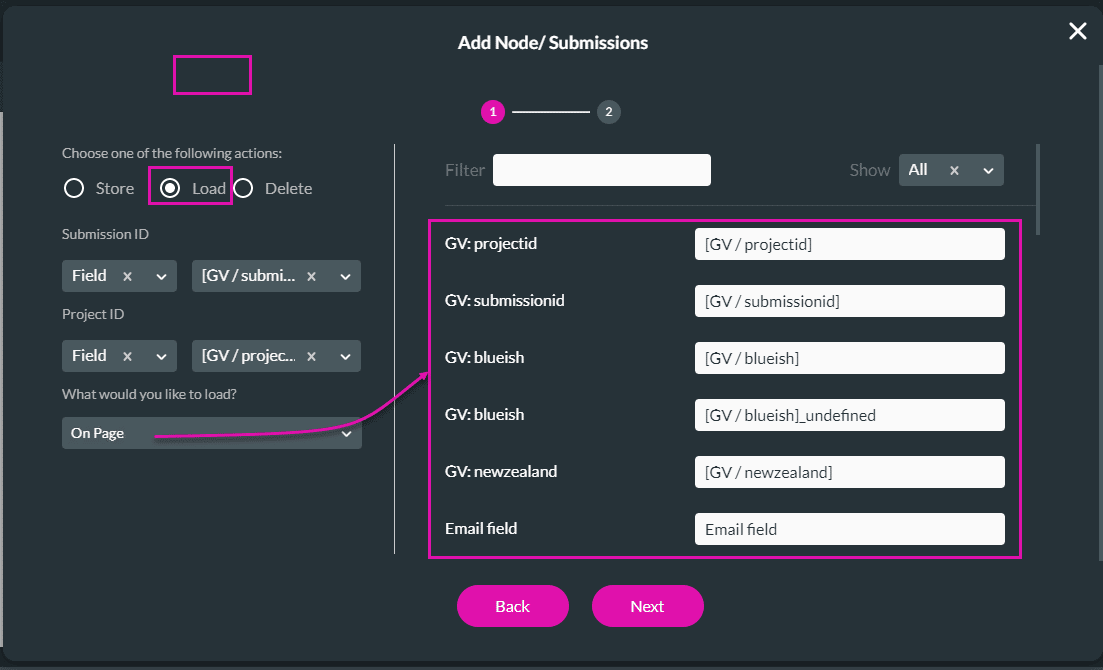
In this example, On Page will be used:
Use the Submission in Titan Flow.









