How can we help you?
When users need to pay for products, services, registrations, or applications through your project, you need to configure online payments that are clear, secure, and easy to complete. Offering the right payment options reduces manual payment processing and provides users with a smoother checkout experience.
Online payment configuration also helps you connect payment activity to your business process, especially when payment details need to update Salesforce records after a successful transaction.
Titan lets you configure different payment types and add them to your project. Project parameters can be passed to the selected payment interface, so payment details match the user, record, or transaction.
After payment, Salesforce fields can be updated based on your configuration. This helps you keep payment data connected to Salesforce and continue the next step in your process, such as sending an email, redirecting the user, or updating a record.
Path:
Project Settings > Tools > Payments > Gear icon

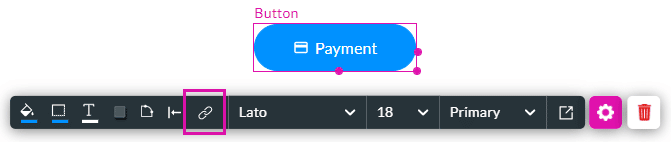
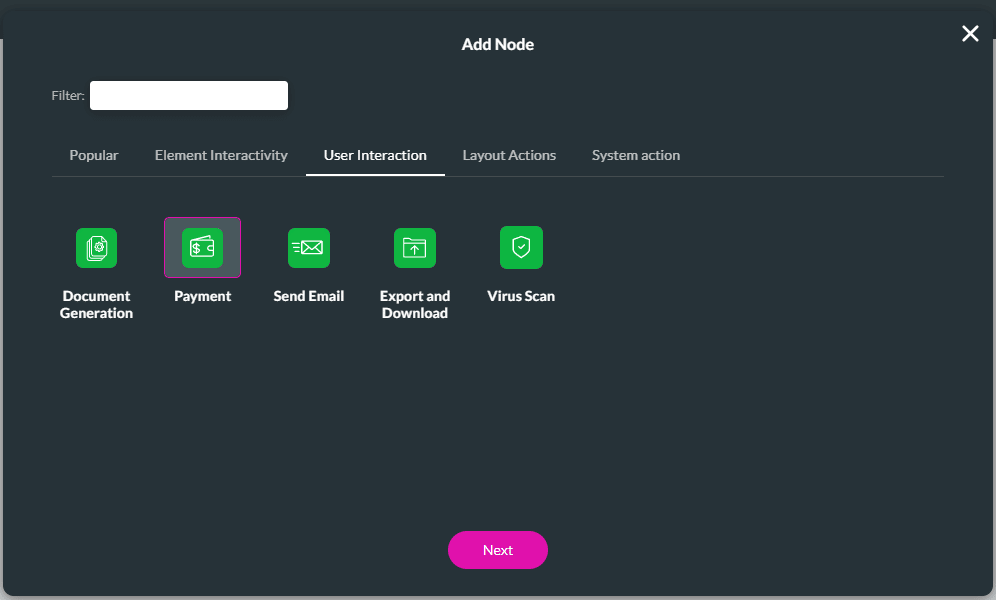
In this example, the payment type is added to a button.


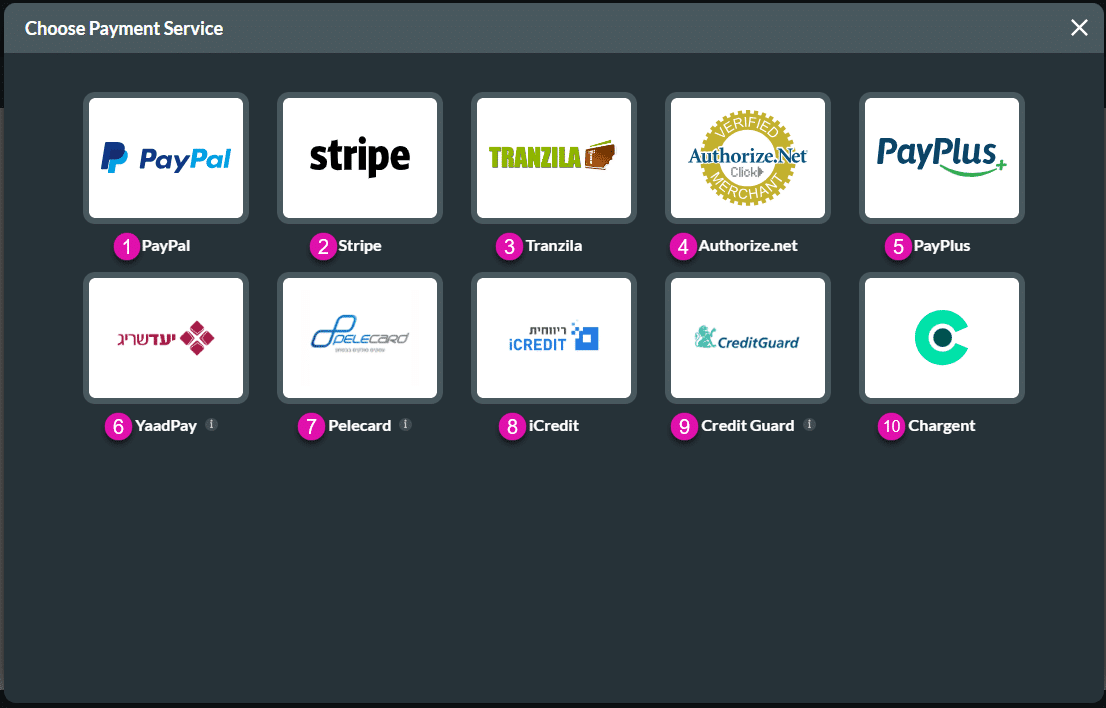
Each payment service has its description. Use the table to select an option.
| Number | Payment Option | Configuration Links | Payment Methods | Supported Currencies |
|---|---|---|---|---|
| 1 | PayPal API | Configure the PayPal payment method. | Single payments | US dollar, euro, CHF francs, Australian dollar, Canadian dollar, Israeli new shekel, pound sterling, New Zealand dollar |
| 2 | Stripe API | Configure the Stripe payment method. | Single payments, Recurring, Tokens | US dollar, euro, CHF francs, Australian dollar, Canadian dollar, Israeli new shekel, pound sterling, New Zealand Dollar |
| 3 | Tranzila API | Configure the Tranzila payment method. | Payment, Tokens | US dollar, euro, CHF francs, Australian dollar, Canadian dollar, Israeli new shekel, pound sterling, New Zealand dollar |
| 4 | Authorize.net API | Configure the Authorize.net payment method. | Single payments | US dollar, euro, CHF francs, Australian dollar, Canadian dollar, Israeli new shekel, pound sterling, New Zealand dollar |
| 5 | PayPlus API | Configure the PayPlus payment method. | Single payments, Recurring, Installments | US dollar, euro, CHF francs, Australian dollar, Canadian dollar, Israeli new shekel, pound sterling, New Zealand dollar |
| 6 | YaadPay API | Configure the YaadPay payment method. | Single payments, Installments, Recurring | Israeli new shekel, US dollar, euro, pound sterling |
| 7 | Pelecard website | Configure the Pelecard payment method. | Single payments, Installments*, Token *Only for Israeli new shekel | Israeli new shekel, US dollar, euro |
| 8 | iCredit API | Configure the iCredit payment method. | Single payments, Recurring, Installments | Israeli new shekel, US dollar, euro, pound sterling, Australian dollar, Canadian dollar |
| 9 | Credit Guard API | Configure the Credit Guard payment method. | Single payments | Israeli new shekel, US dollar, euro, pound sterling, Japanese yen |
| 10 | Chargent API | Configure the Chargent payment configuration. | Single payments | More than 150 currencies |









