How can we help you?
Salesforce JWT (JSON Web Token) Authentication is a secure, token-based authentication method that enables Salesforce users to access resources without requiring a password. It’s commonly used in integration scenarios, especially when connecting Salesforce to other systems or apps.
It allows sharing identity and security information across different security domains. Salesforce verifies the authenticity of the JWT by checking its signature against a pre-configured certificate and other parameters. If the JWT is deemed valid and the connected app has been approved beforehand, Salesforce grants access by issuing an access token.
Authenticate Salesforce JWT in Titan to integrate external applications with Salesforce and enable secure access to Salesforce resources without needing user credentials.
Note:
This feature is only available to customers with Enterprise License.
Open your Titan Dashboard interface and your Salesforce instance in two browser tabs. You will need to navigate between them a few times.
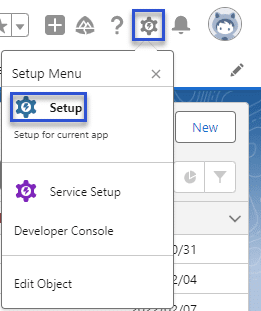
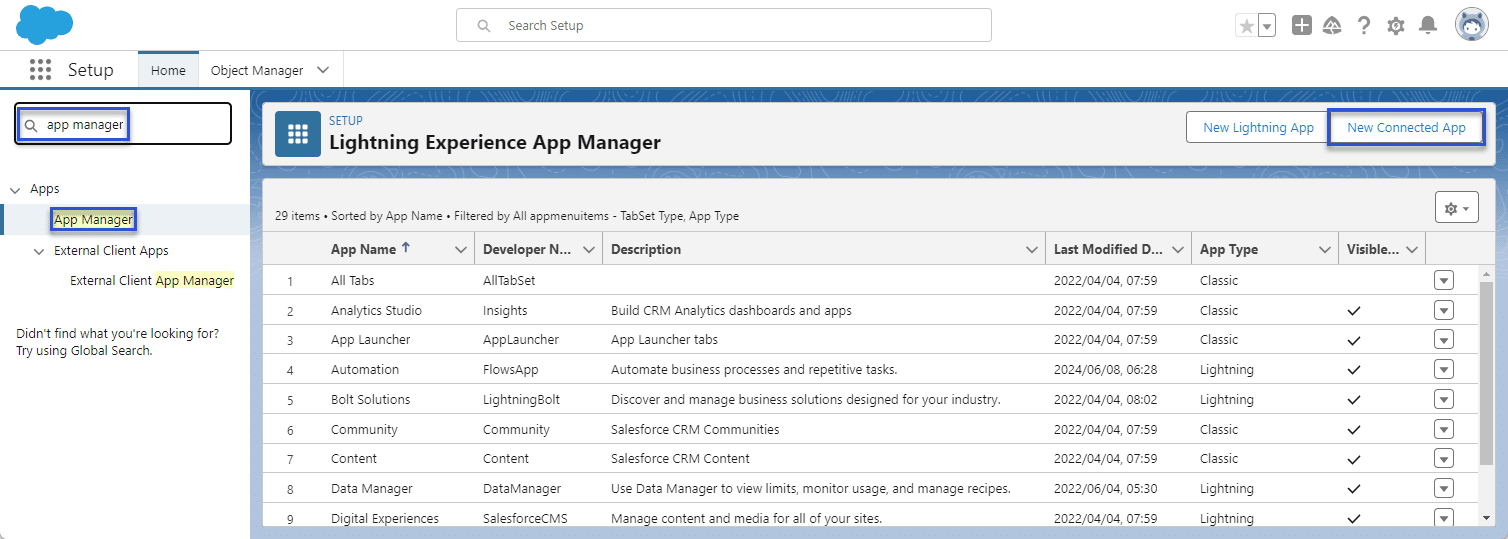
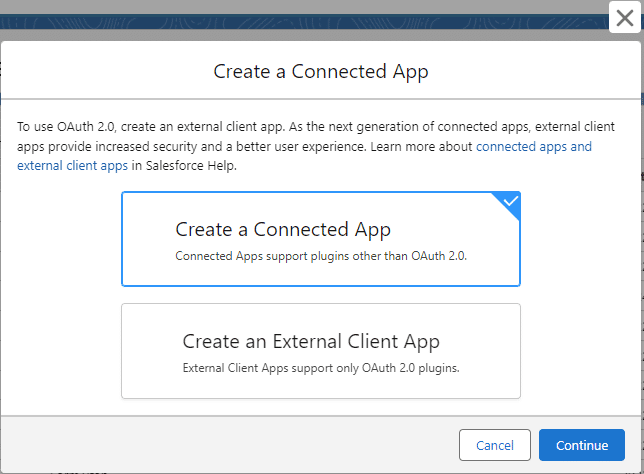
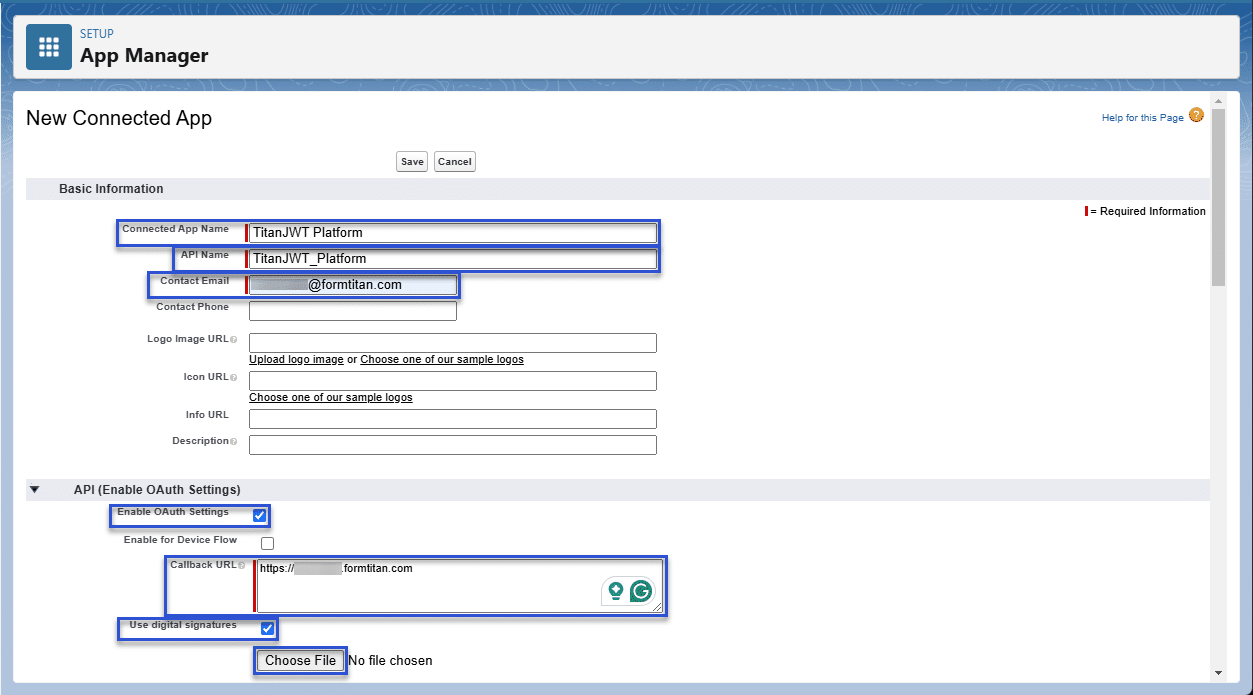
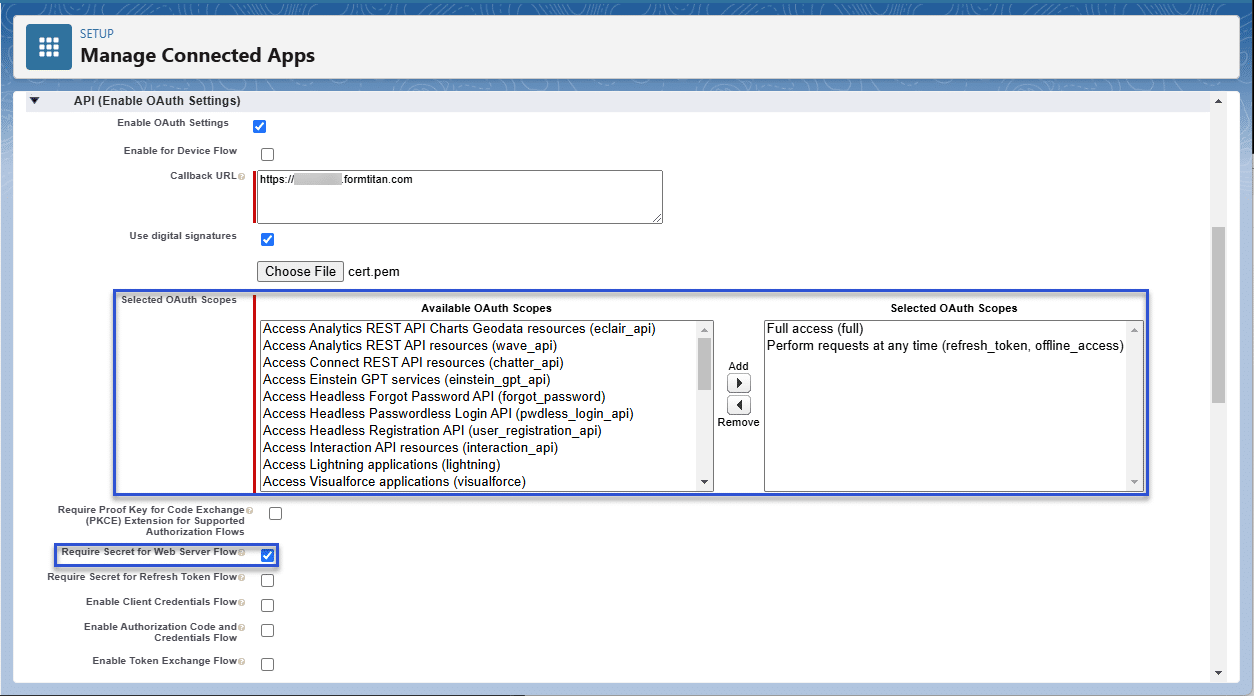
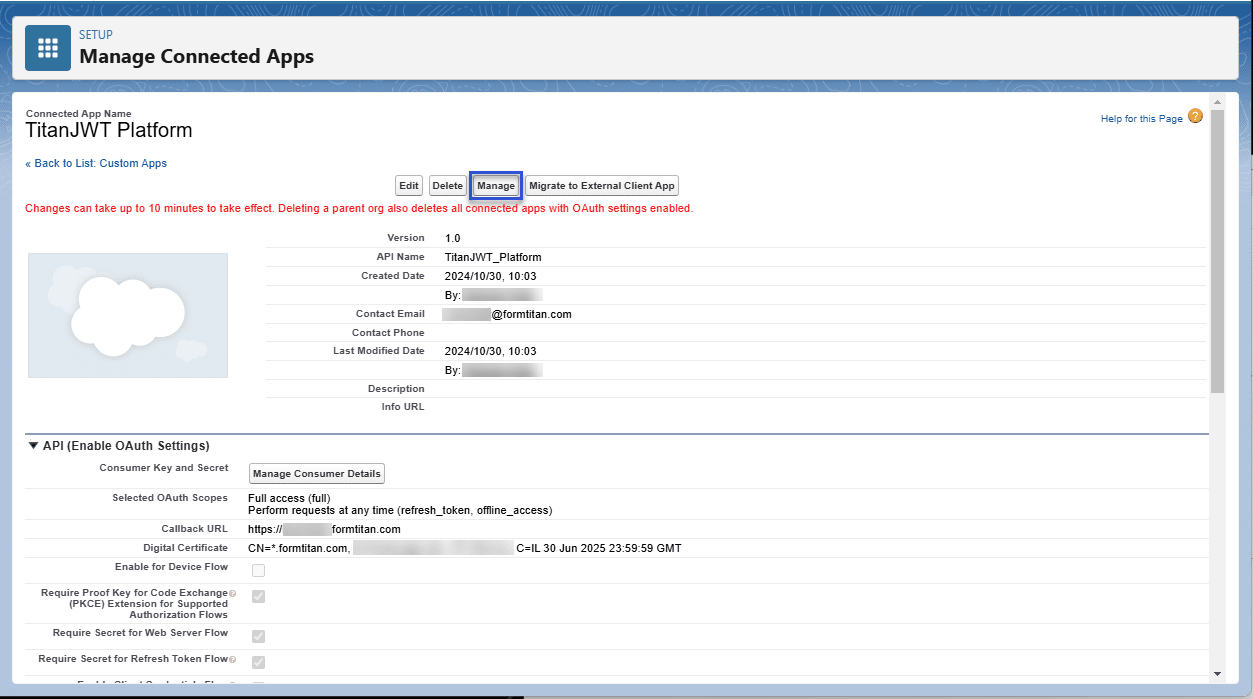
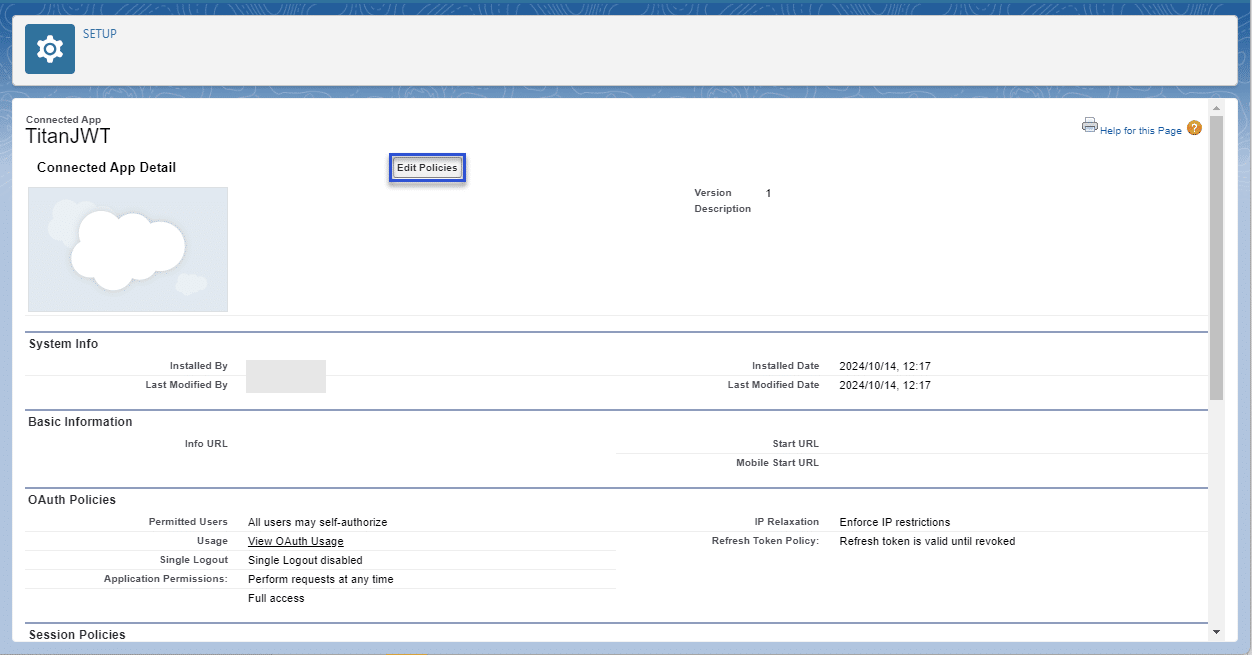
Do the following to configure a new connected app in Salesforce:
For MacOS, run the following Terminal commands:
For Windows, install Git for Windows and go to OpenSSL. Then run the following commands:


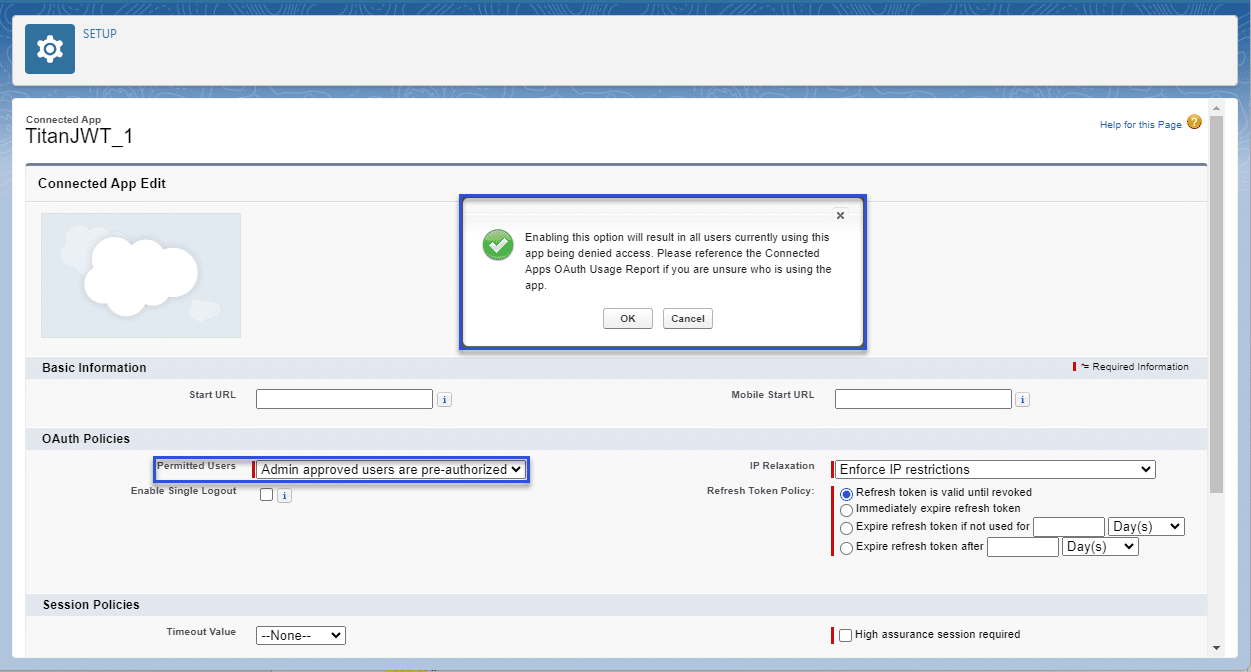

Note:
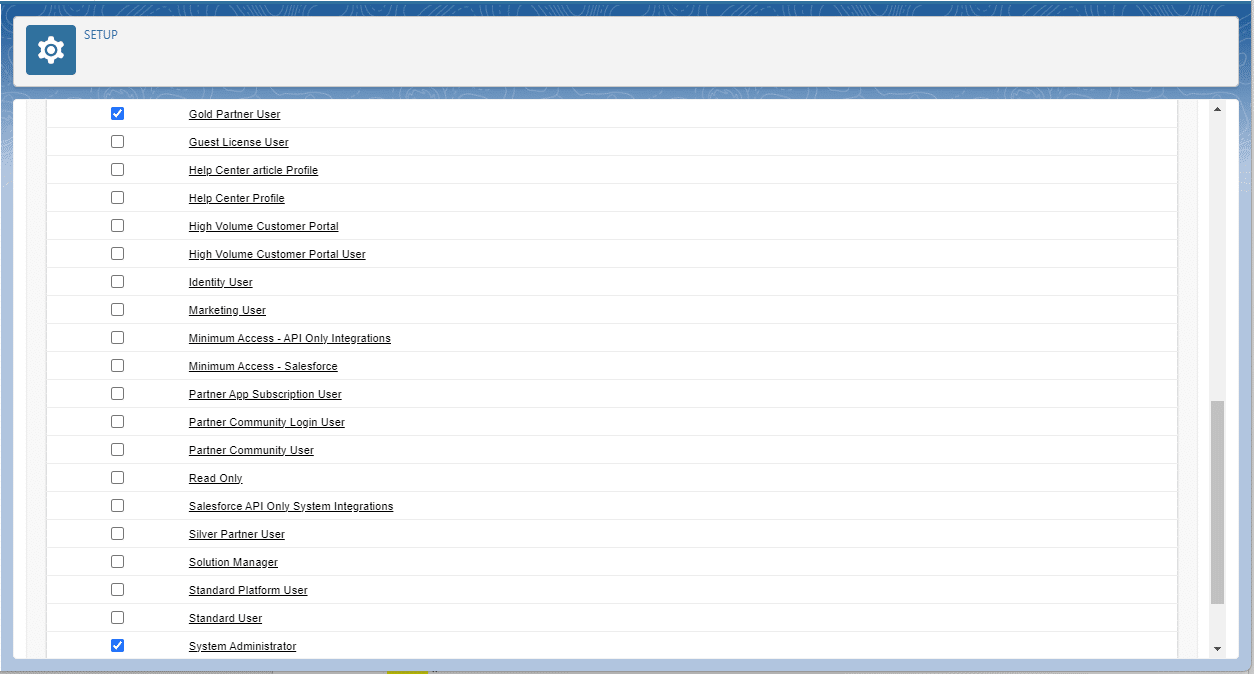
Any user with theses profiles are pre-authorized and can get the JWT token.
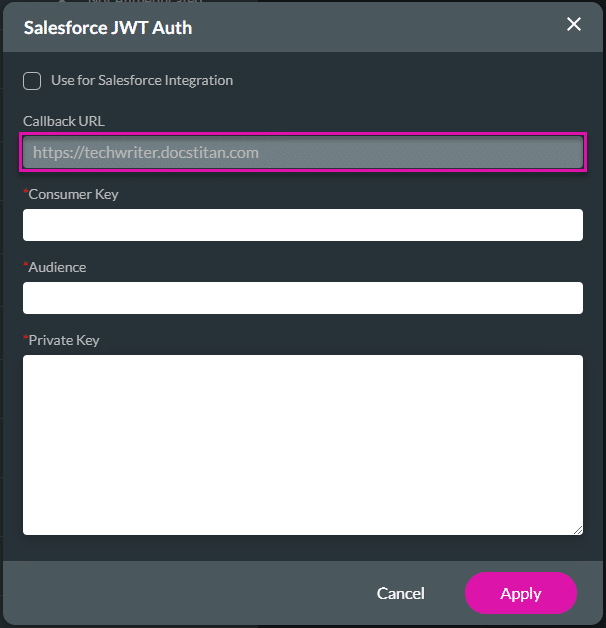
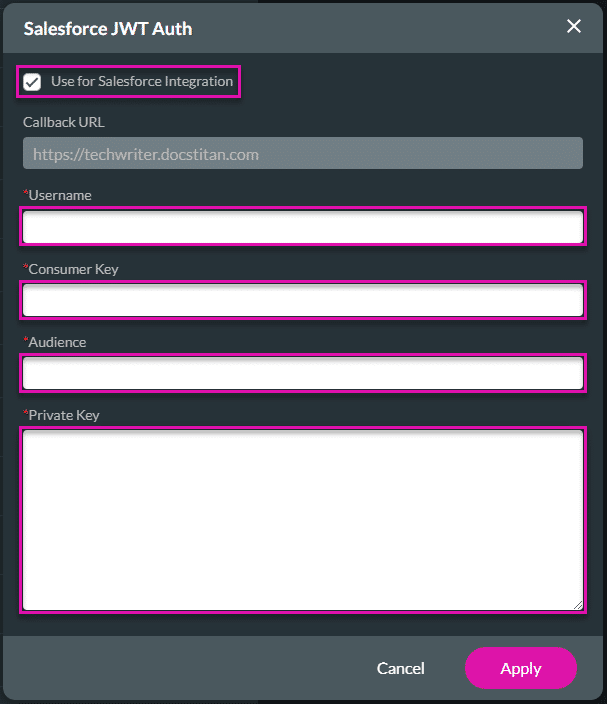
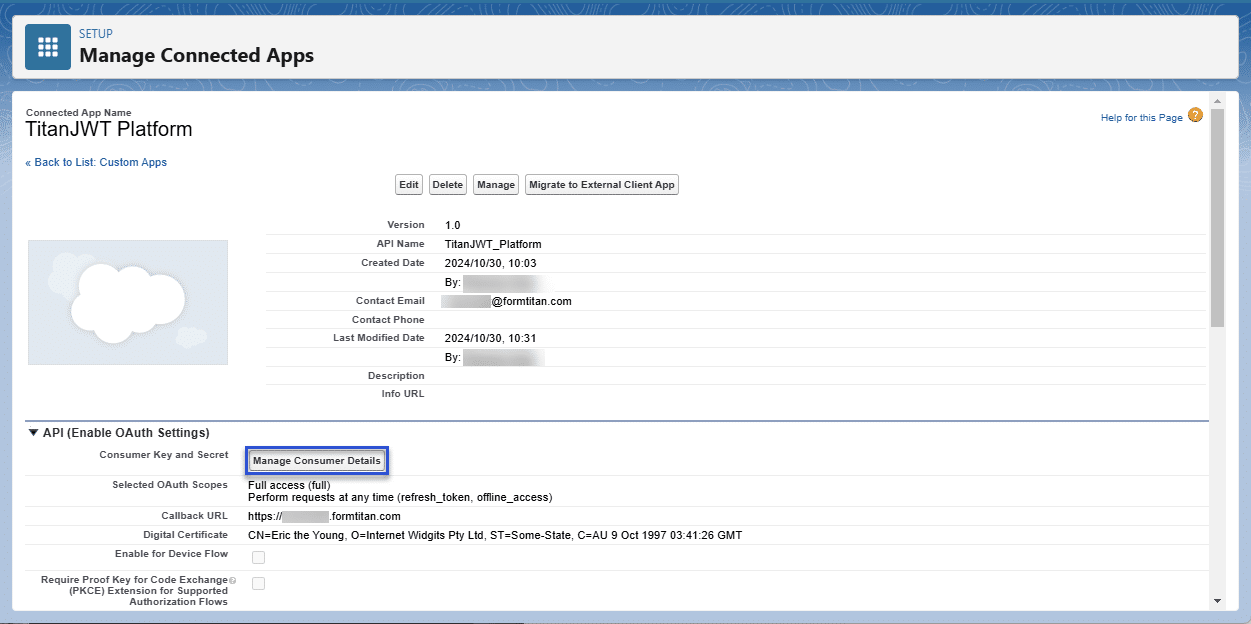
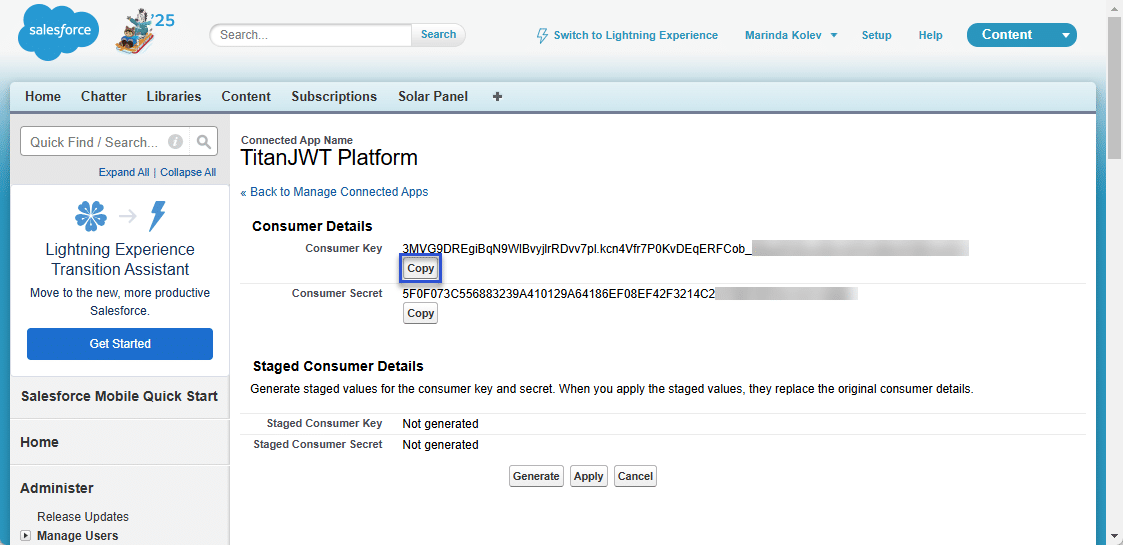
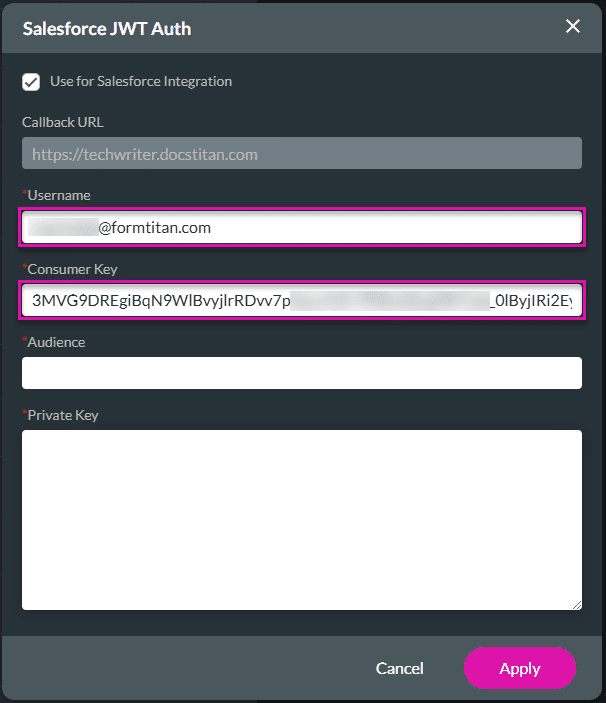
To complete the authentication, enable the Use for Salesforce Integration checkbox on the Salesforce JWT Auth screen and fill in the fields.
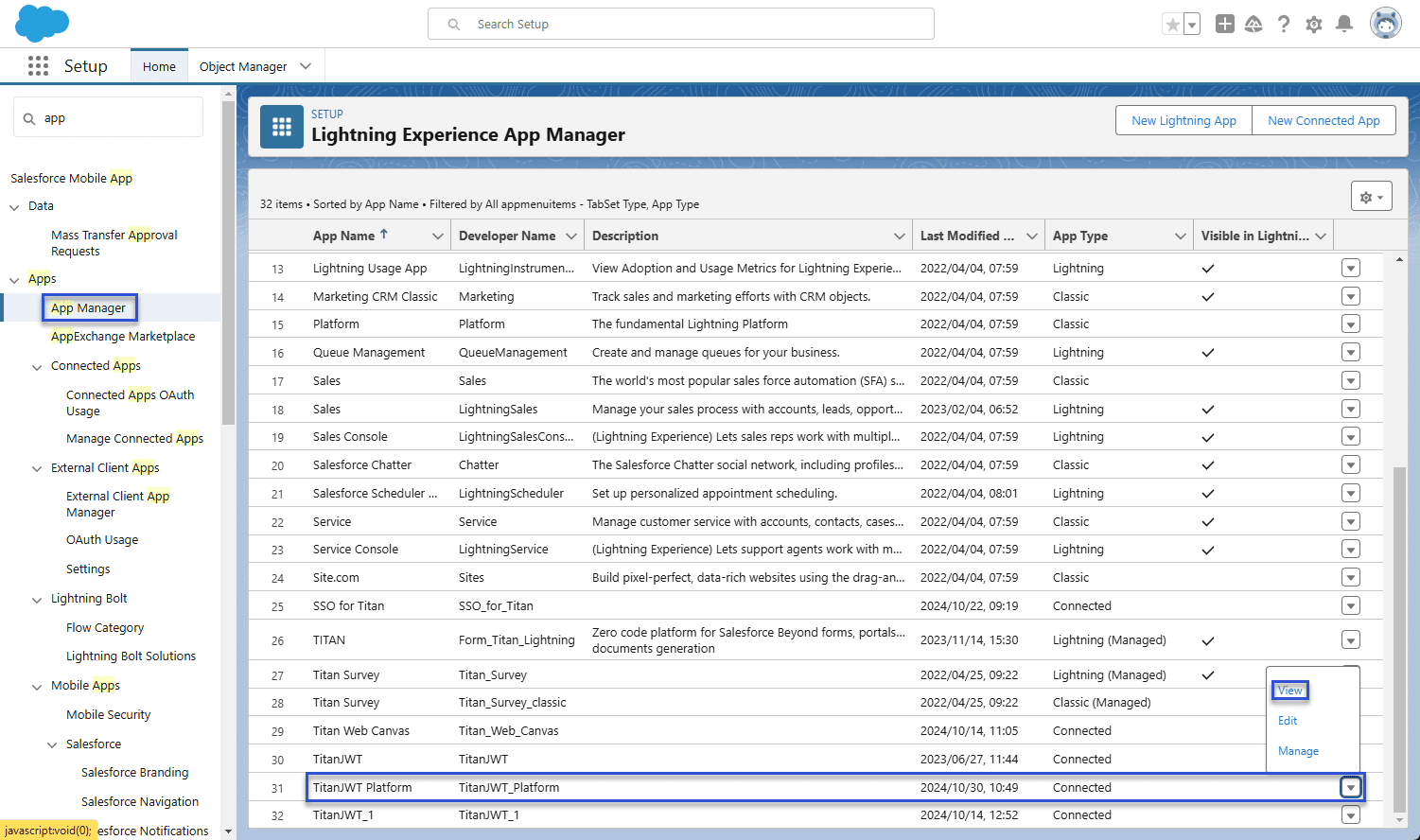
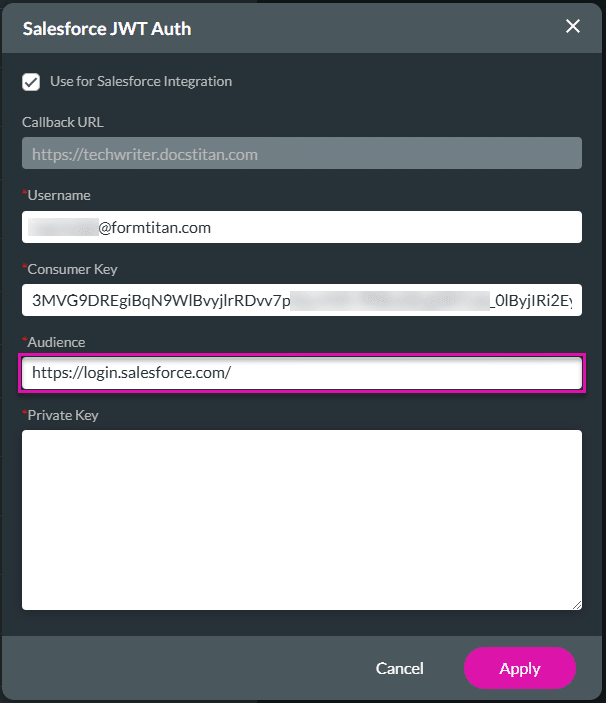
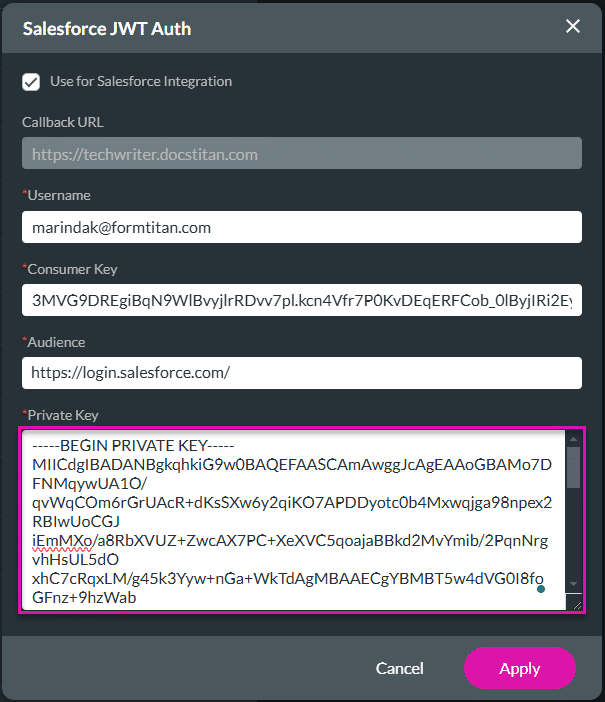
Salesforce JWT has been authenticated.










