How can we help you?
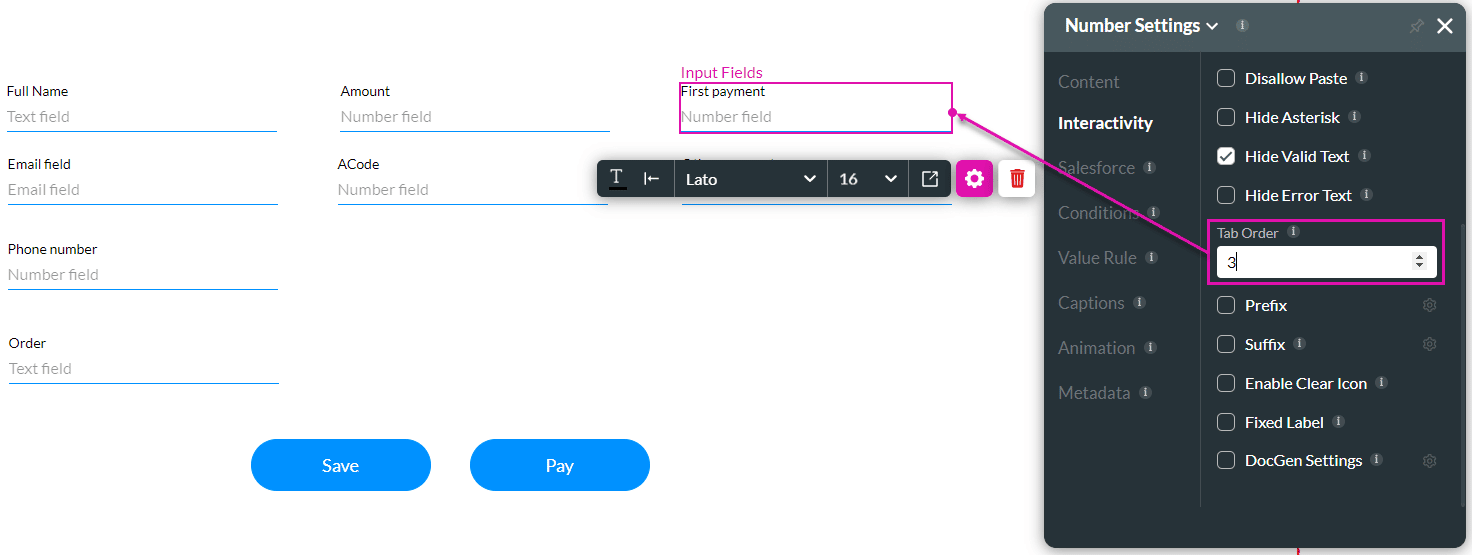
The Tab Order option is available for different elements, such as the Date Range, Email, or Number field. Use this feature to set which fields will be active when the user presses the Tab key. This assists the visually impaired who need to navigate using the Tab key.
Use the Tab Order option to set the sequence of active fields for a user to complete.
When the user has multiple fields to complete and you want them to be completed in a sequence, number the fields orderly so the cursor can move from field to field.
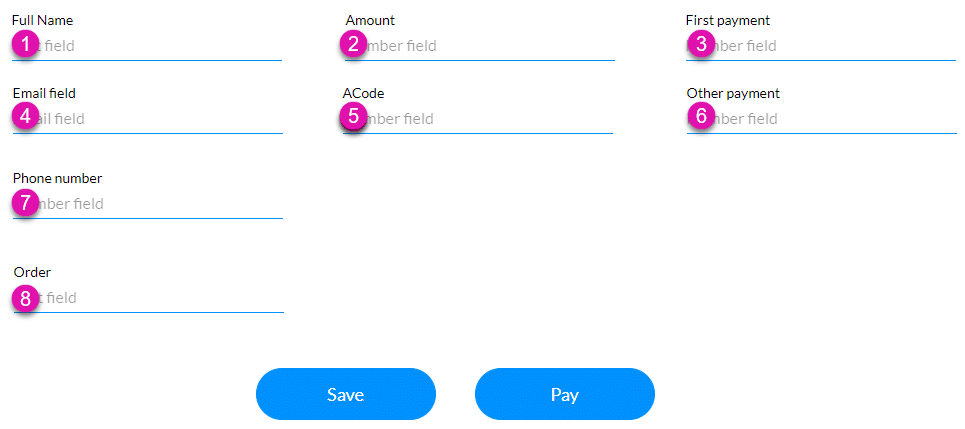
The cursor will move according to the number that you set. The user will navigate through the fields in the set sequence.









