How can we help you?
Experience greater form flexibility and merge or split cells to suit your requirements.
You can merge or split cells in a Titan Web form element in a few simple clicks.
We added the option to merge or split cells in a form element with more than one column.
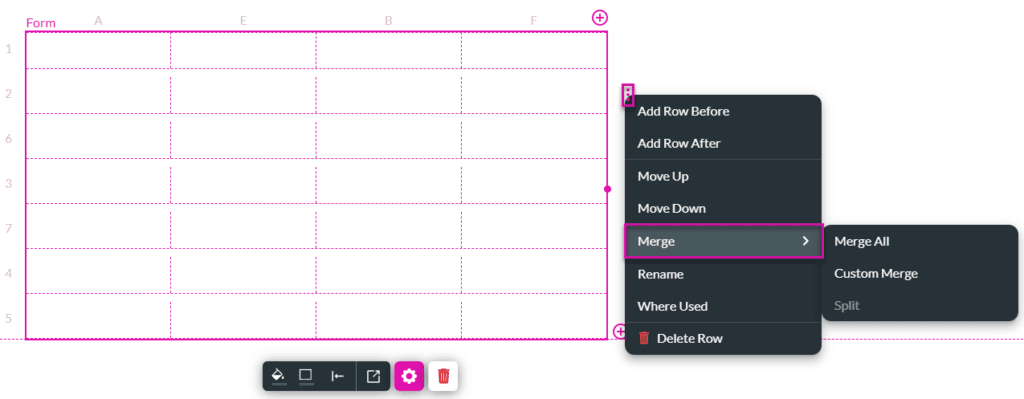
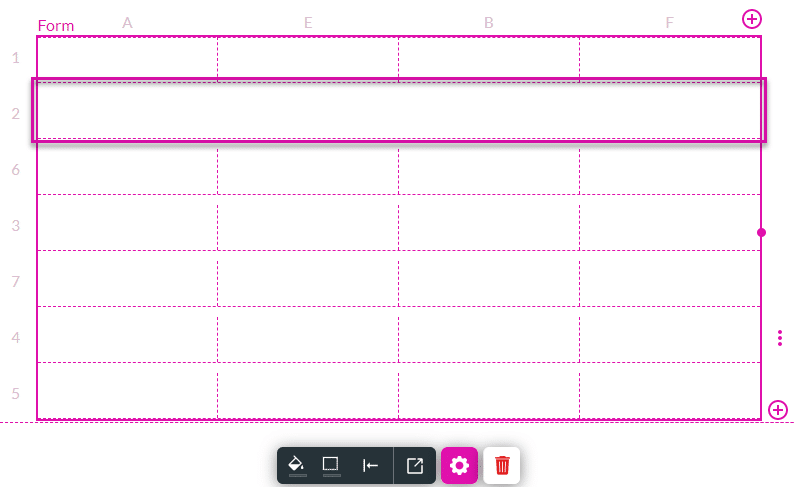
All the cells in the row are merged.
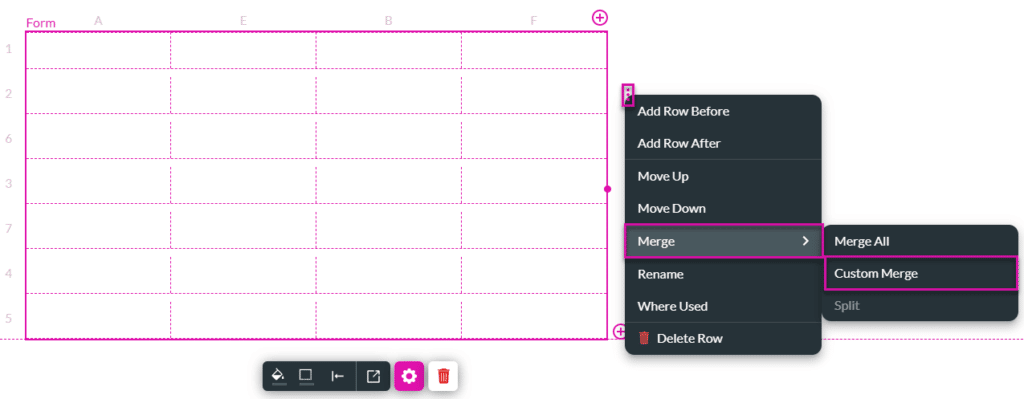
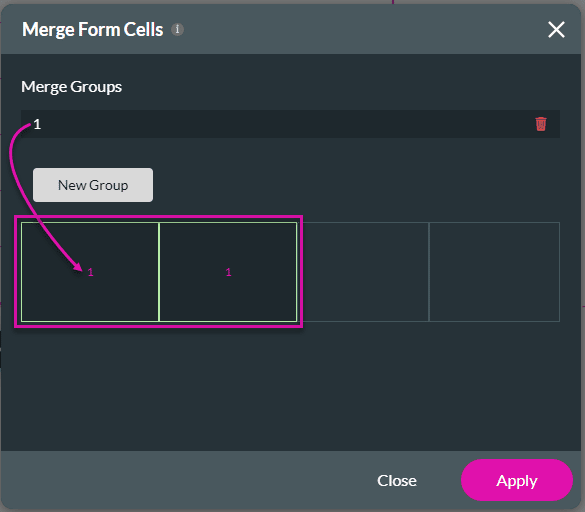
The selected cells in the row are merged.
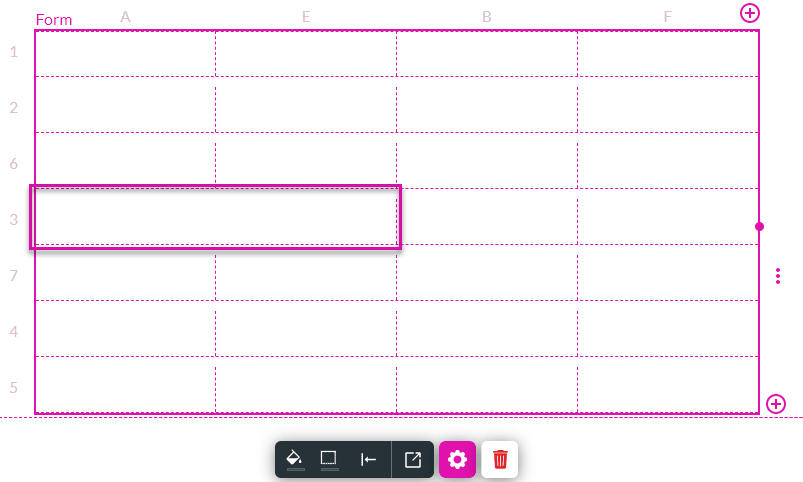
You can select different adjacent cells in the same row to merge:

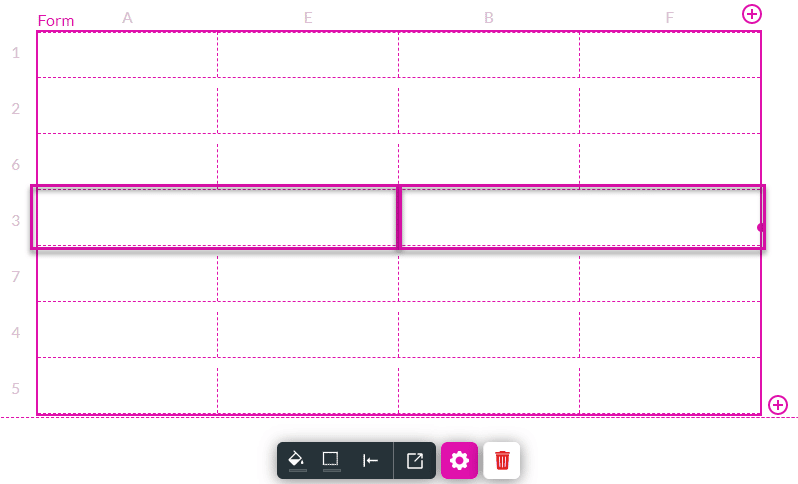
The selected cells in the row are merged.
Note:
When columns have been merged, it is not possible to move another column across the merged columns. In this example, column D cannot be moved to the left as the cells of columns C and D in row 5 have been merged.

Also, a column containing merged cells cannot be moved.

Note:
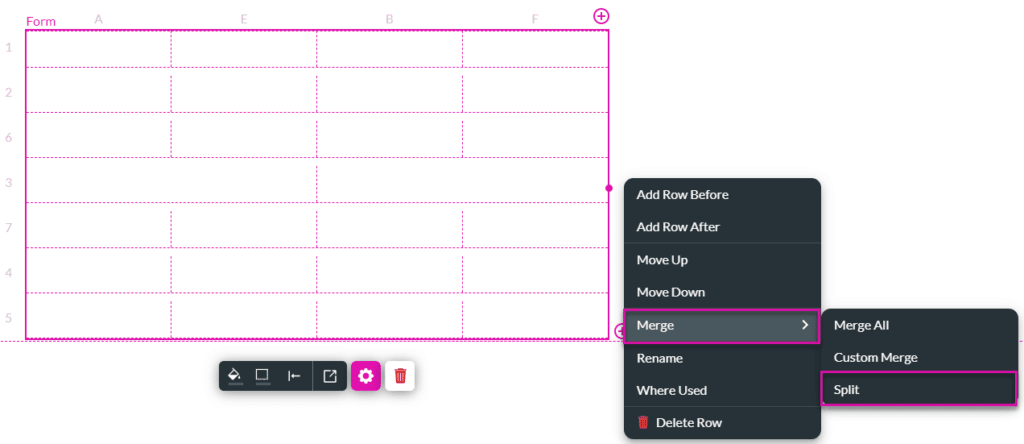
This option is only available if there are merged cells in the form.