How can we help you?
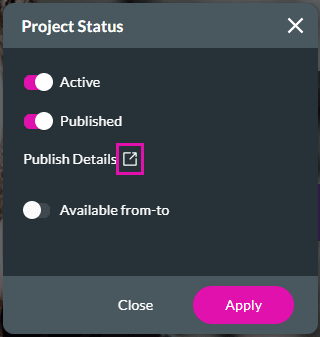
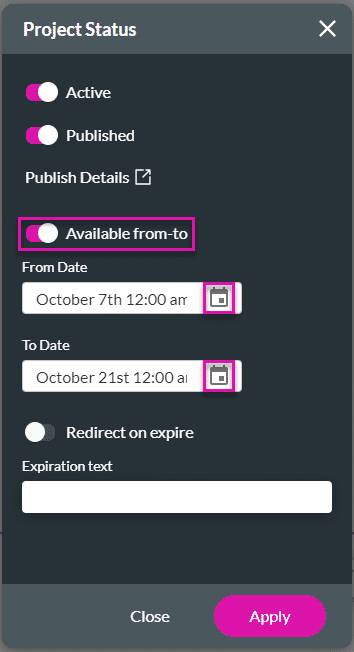
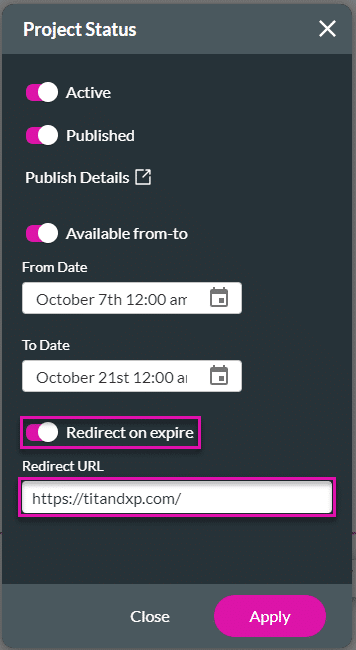
You can easily view the project status and publish the project with a few clicks. The date and time that the project was published will be visible. You can also add a time period for the web page to be available and a redirect page when it expires.

Note:
If the project has not been published, you will see “Not published” and the Status is “Draft.”
You can publish the project by clicking the Publish button in the top right corner of the screen.

As an alternative, do the steps that follow below.


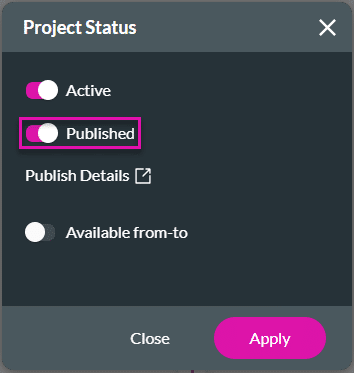
The Published toggle switch automatically shows that the project is now published.


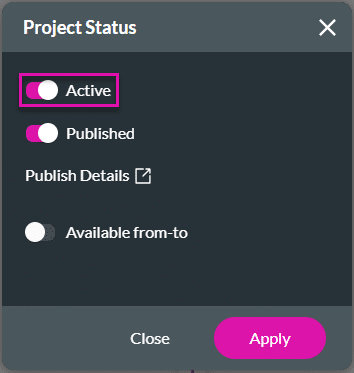
Note:
The status of the project changes to Disabled.

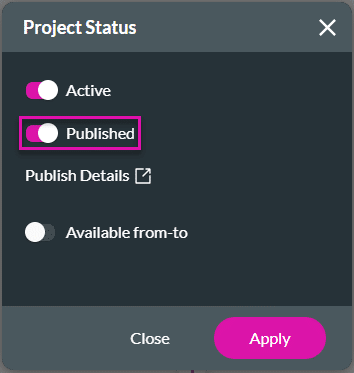
Note:
The status of the project changes to Unpublished.