How can we help you?
The Allow Quick Update option is available for the Power Table element. Enabling this will allow you to process all changes made to a record only once you submit, instead of sending separate integration requests for each update.
Note:
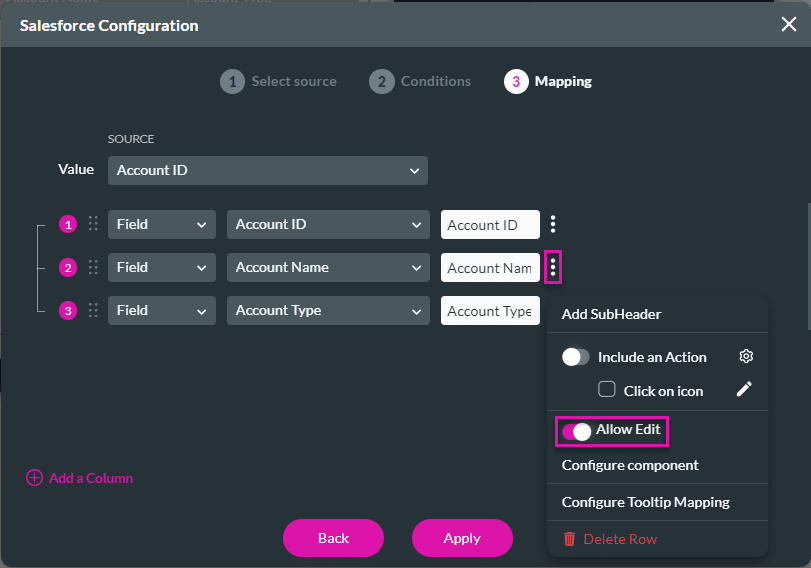
Make sure that you enable the Allow Edit option when you configure the mapping. This will make your fields editable when the Allow Quick Update option is on.


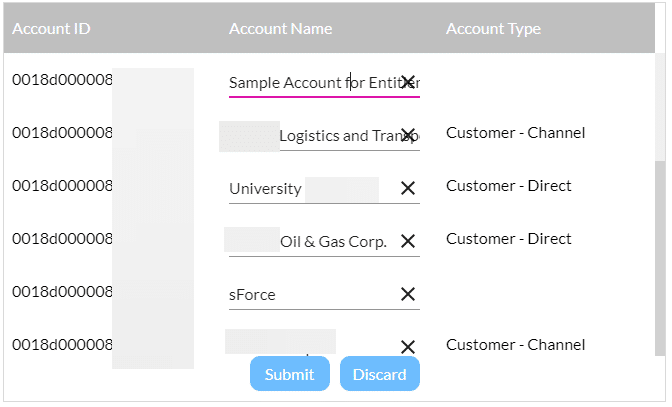
The user can edit fields and click the Submit button to confirm the changes or click the Discard button to ignore the changes.
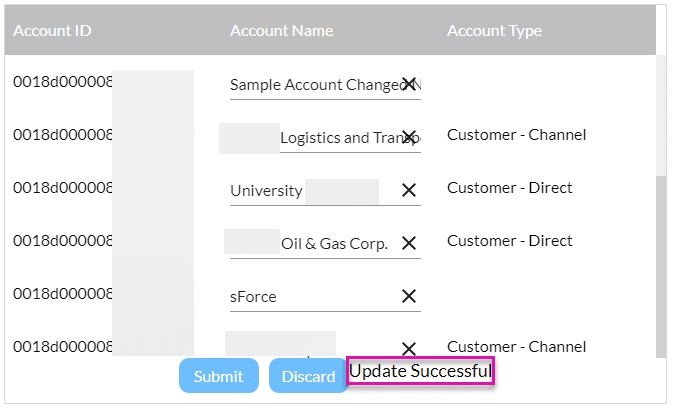
When the user clicks the Submit button, an Update Success message will be shown to confirm the changes made.

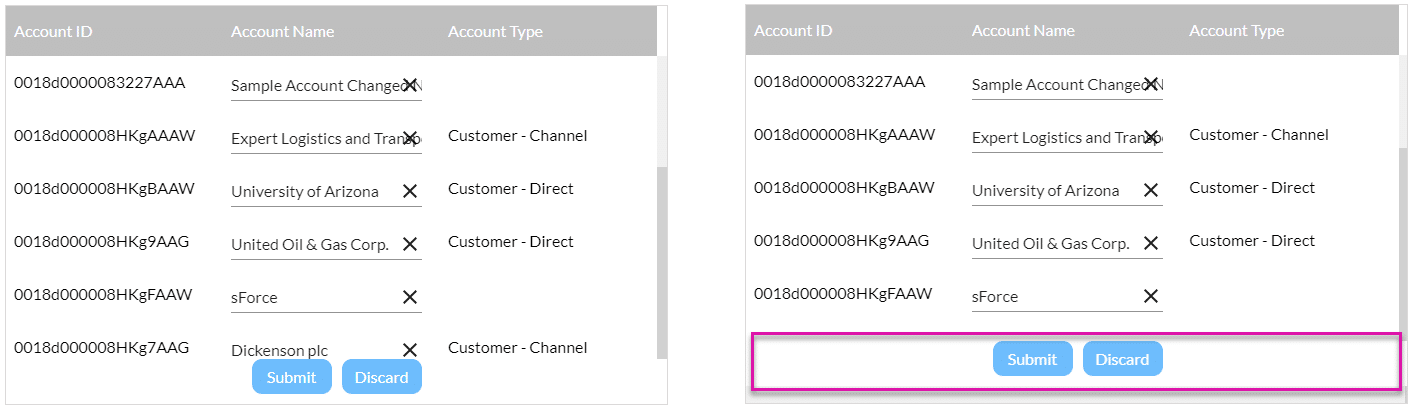
The Submit and Discard buttons “float” in front of the power table (on the right).