How can we help you?
Control what happens when a user session on your webpage expires.
Titan lets you configure a session expiry action that will occur when the session duration has been reached.
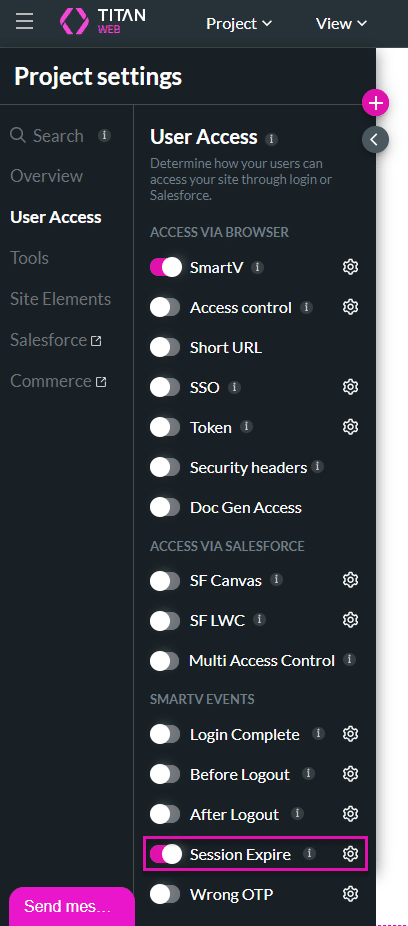
Create an action to be triggered when the SmartV session expires. For example, upon expiration of the SmartV session, a Salesforce integration can run to push an update to a custom object in Salesforce that tracks user logins to a portal.
Note:
Prerequisite:
Configure a session duration on the Log In screen.
Note:
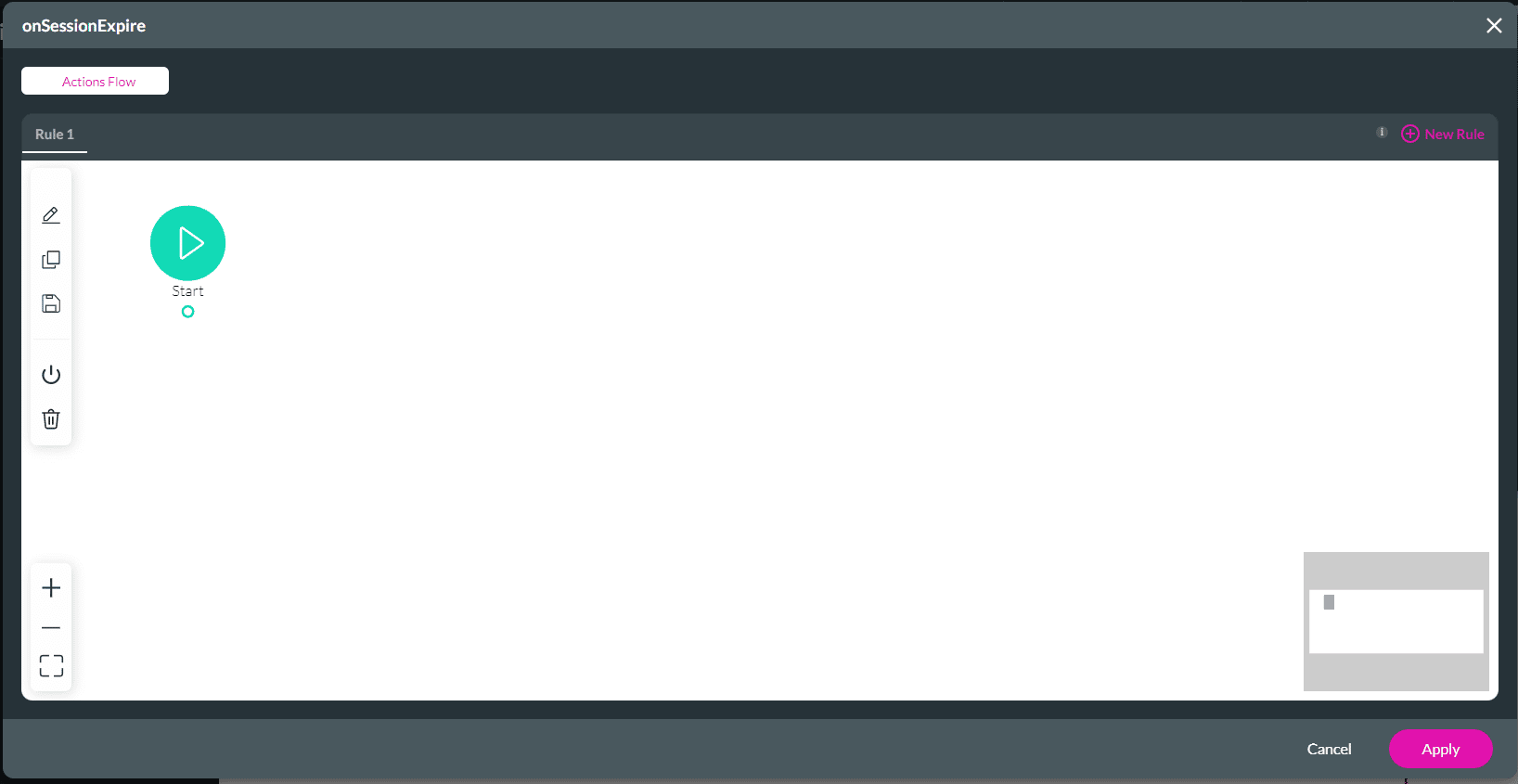
In this example, Redirect/Go to Page will be used. You can add any nodes.


When the user’s session expires, they will be redirected to the web address that you configured.
On this page









