How can we help you?
Nested Power Tables now support independent styling, and max height settings are correctly applied when using auto height.
Fixed an issue where Power Table dropdown options did not display on iPhone after internal redirects in iframe-embedded projects.
Fixed an issue in interactive DocGen settings where custom actions were grouped incorrectly.
Fixed an issue where embedded projects using token-based access failed to run Salesforce.
Fixed an issue where conditional logic did not apply to fields inside autofit containers. Show and hide behavior now works consistently across layouts.
Added optional Google reCAPTCHA protection to OTP flows. When enabled, both request and verification steps require validation, improving security against automated abuse.
Fixed a layout issue in Forms 2.0 where table columns were hidden in RTL mode.
Improved dropdown filtering on mobile and tablet devices when accessibility mode is enabled.
Fixed an issue where navigation from a public page to an SSO-protected page displayed a disabled project message. Users are now redirected correctly without reloading.
Fixed an issue where percentage values of styling attributes were not imported correctly using the import styling feature.
Fixed an issue where inline sections broke during document download or push from edit mode. Download and push now preserve all content.
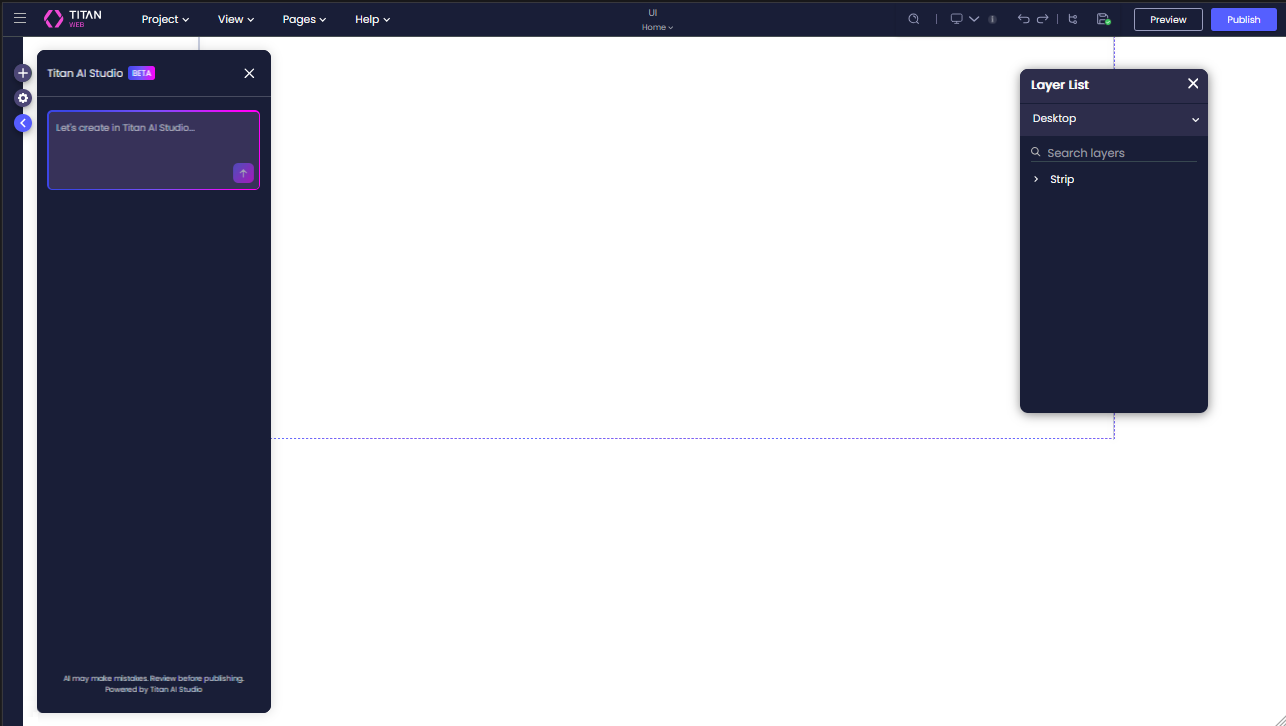
Introduced an updated UI theme for the Titan Web builder, including refreshed colors, typography, icons, and buttons.
Fixed an issue where files were not displayed in the File Viewer within modal containers.
Fixed an issue where Address Finder did not work in embedded Web projects on Safari and iOS.
Added support for YAAD Pay’s 2-step authentication flow.
Improved reliability of push notifications in the Titan Web PWA on Android Chrome.
Fixed an issue where Power Table summary row labels could not be translated.
Fixed an issue where RTL tables from Salesforce rich text fields were rendered as LTR in generated documents. Tables now display correctly in Word output.
Fixed a formatting issue where switching Apex Tables to HTML caused duplicate rows in templates.
Fixed an issue where bold and italic formatting on new lines was not preserved in generated documents.
Dynamic Picklist values from Salesforce now display as user-friendly labels in generated documents instead of API names.
Improved OAuth2 authentication UI in API Hub with wider fields and secure secret masking.
Fixed an issue where inserting variables in Set Variable (CUSTOM) added unintended spaces and disrupted the cursor position.
Improved stability and formatting in API Hub JSON editor.
Fixed an issue where / characters in formulas and custom values were converted to undefined during concatenation.
API Hub now returns detailed error messages and codes for failed API calls, improving error handling and visibility.
Fixed an issue where the CLM page froze when accepting changes. Editing and acceptance now work as expected.
Fixed an issue where non-Power Users could not open support cases in shared accounts.
Added detailed audit logs for permanent project deletion, including user, timestamp, and project details.
Upgraded Salesforce API support from v60.0 to v62.0, enabling support for new objects and fields while maintaining compatibility.
On this page









